Computer Skills Every Fresher Must Have on a Resume (2026 Guide)
A practical 2026 guide for fresh graduates on the essential computer skills to include on a resume to increase interview chances and workplace confidence.

Web developer and digital tools creator who writes practical career-focused guides for students and fresh graduates entering the digital workplace.

Computer Skills Every Fresher Must Have on a Resume (2026 Guide)
In today’s job market, computer skills are no longer optional.
Even entry-level roles expect basic digital confidence.
Many fresh graduates lose opportunities not because they lack knowledge — but because they fail to clearly show practical computer skills on their resume.
This guide explains the essential computer skills every fresher should include — and how to present them professionally.
 Most entry-level jobs now require basic digital proficiency.
Why Computer Skills Matter for Freshers
Modern workplaces rely on:
- Cloud platforms
- Email communication
- Spreadsheets
- Online meetings
- Collaboration tools
Employers assume that fresh graduates can handle these tools without supervision.
If you’re unsure about fundamentals, start here:
👉 Basic Computer Skills Needed to Land Your First Job
1. Microsoft Office & Productivity Tools
Most office jobs require basic proficiency in productivity software.
Tools Employers Expect
-
Microsoft Word / Google Docs
- Formatting documents
- Creating reports
- Using templates
-
Microsoft Excel / Google Sheets
- Basic formulas (SUM, AVERAGE)
- Creating tables
- Simple charts
-
PowerPoint / Google Slides
- Slide design
- Presentations
- Exporting to PDF
-
Outlook / Gmail
- Email organization
- Calendar scheduling
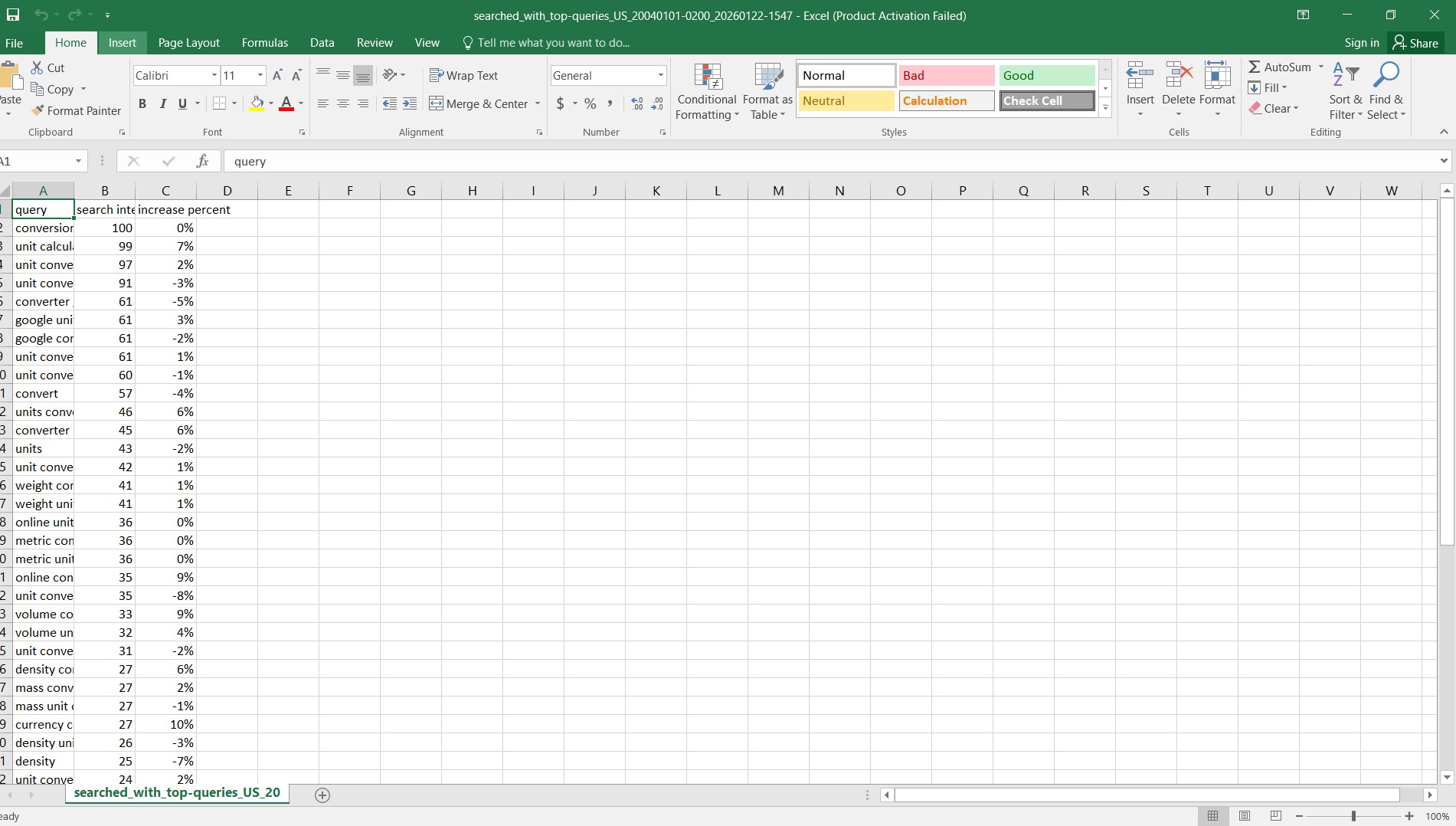 Basic document and spreadsheet skills are expected in most jobs.
How to Write It on Your Resume
Instead of:
Microsoft Office
Write:
Microsoft Word (document formatting), Excel (basic formulas & charts), PowerPoint (presentations)
Specific is stronger than generic.
2. Email & Professional Communication
Email remains one of the most important workplace tools.
You should know how to:
- Write professional subject lines
- Structure clear emails
- Attach documents correctly
- Reply formally
If you need help improving this, read:
👉 How to Write Professional Emails
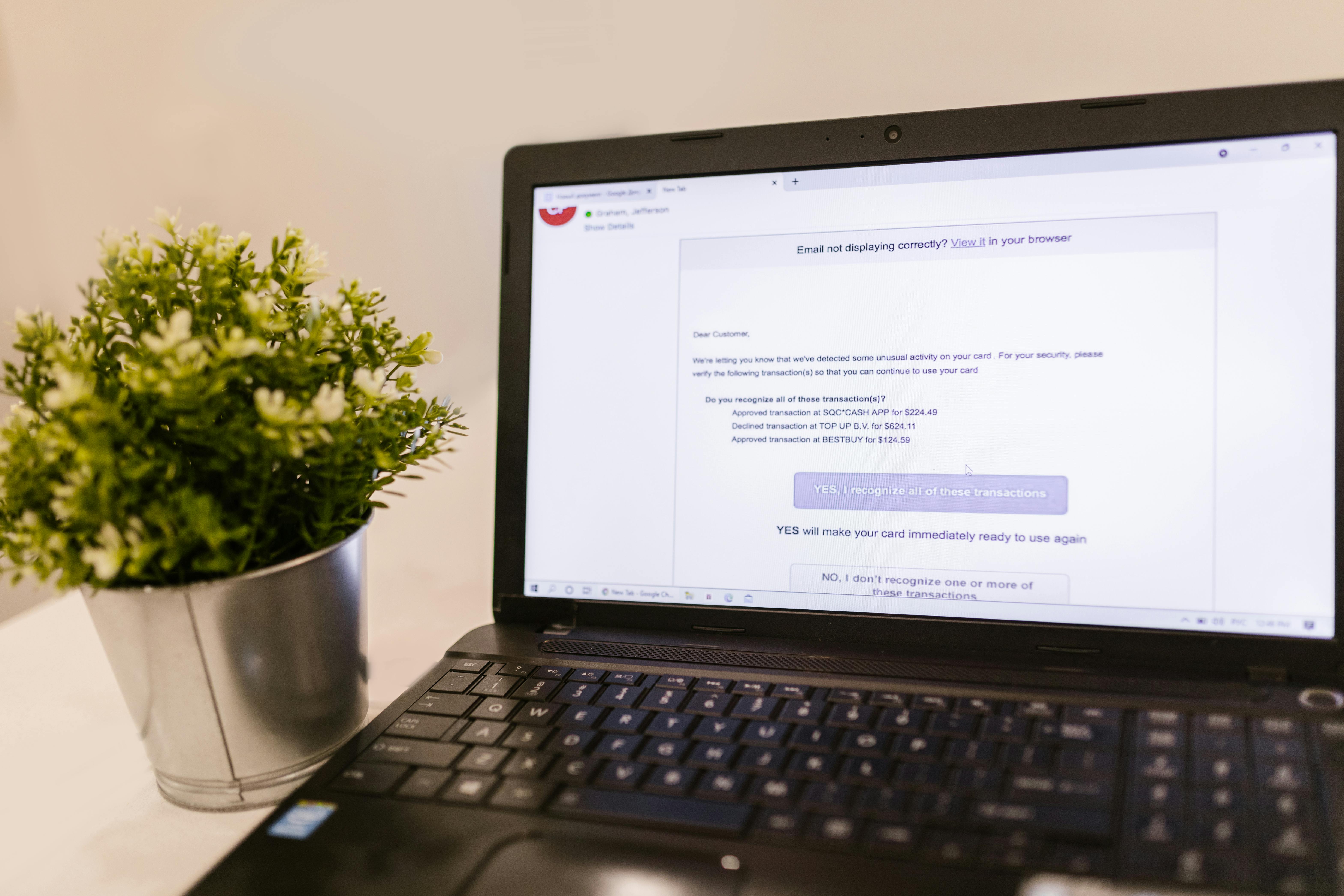 Professional email writing is a basic workplace expectation.
3. Internet Research & Information Evaluation
Being able to search properly is a valuable skill.
You should be able to:
- Use advanced Google searches
- Evaluate credible sources
- Avoid misinformation
- Download files safely
Employers often expect you to find information independently.
This is part of digital fluency:
👉 Computer Literacy vs Digital Fluency (2026)
4. File Management & Cloud Storage
Organization reflects professionalism.
You should know how to:
- Create logical folder structures
- Rename files properly
- Use Google Drive or OneDrive
- Share files with correct permissions
- Backup important documents
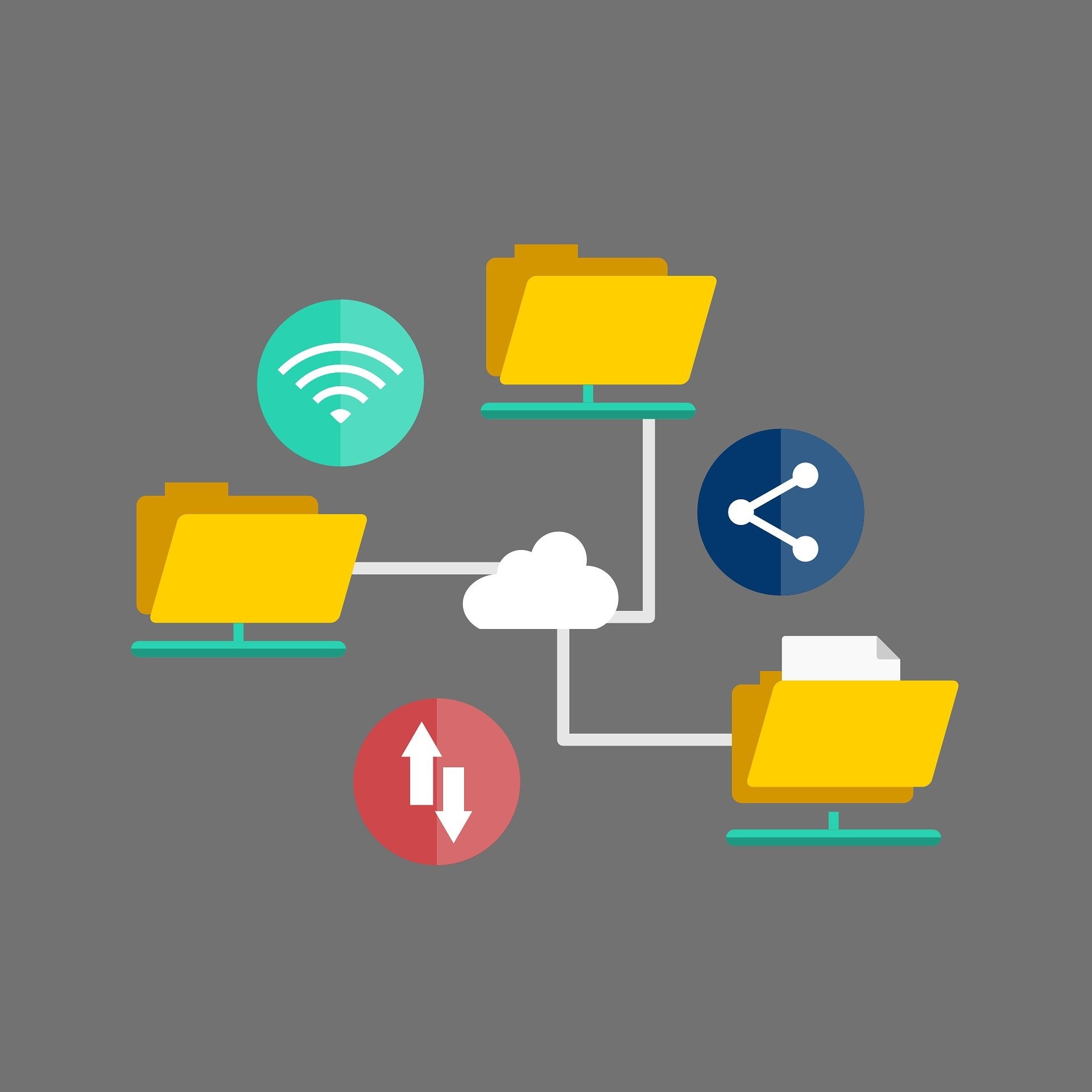 Organized file management improves efficiency and reliability.
Resume Example
Cloud storage management (Google Drive, folder organization, file sharing permissions)
5. Collaboration Tools
Many companies now operate remotely or in hybrid environments.
Common tools include:
- Slack / Microsoft Teams
- Zoom / Google Meet
- Trello / Asana
- Notion
You should know how to:
- Join video meetings
- Share your screen
- Send files in chat
- Track tasks on boards
 Online collaboration tools are standard in modern workplaces.
6. Basic Programming or Automation (Optional but Valuable)
This is not mandatory — but it adds advantage.
Examples:
- Basic Python scripting
- HTML & CSS fundamentals
- Excel Macros
- No-code automation tools
Even simple automation knowledge shows initiative.
Do not exaggerate. Be honest.
7. Cybersecurity Awareness
Security mistakes cost companies money.
Employers value candidates who understand:
- Strong passwords
- Two-factor authentication (2FA)
- Phishing awareness
- Safe browsing practices
For deeper understanding, read:
👉 How to Create Strong Passwords You’ll Actually Remember
 Security awareness is part of professional digital behavior.
How to Structure Computer Skills on Your Resume
Instead of listing random tools, group them clearly:
Computer Skills:
- Microsoft Word, Excel (basic formulas), PowerPoint
- Google Drive & cloud file management
- Professional email communication
- Online meeting platforms (Zoom, Teams)
- Basic data entry & spreadsheet management
Clarity increases trust.
Simple Practice Plan for Freshers
If you feel unprepared:
Week 1
- Practice Word formatting
- Create a simple Excel table
- Write 3 professional emails
- Organize your cloud storage
Week 2
- Simulate a job task
- Join test Zoom meetings
- Create a presentation
- Practice sending attachments properly
Two weeks of focused practice can improve confidence significantly.
Common Resume Mistakes to Avoid
- Writing “Computer Expert”
- Listing tools you cannot use
- Using vague phrases like “Good in computers”
- Copying skills from others
Be honest. Be specific.
Final Thoughts
As a fresher, you do not need advanced technical skills.
You need:
- Practical digital confidence
- Clear communication
- Basic productivity tools
- Organized file management
- Security awareness
These skills form the foundation of modern employability.
Master them once — they will support your entire career.
Related Guides
- Basic Computer Skills Needed to Land Your First Job
- Computer Literacy vs Digital Fluency (2026)
- How to Create Strong Passwords You’ll Actually Remember
About the Author
Jadox is a web developer and digital tools creator who writes practical guides to help students and fresh graduates succeed in the digital workplace.
This article is for educational purposes. Skill requirements vary by industry and role.
Keep learning
Practice task
- Create a folder named Work Practice.
- Create three subfolders: Documents, Images, Downloads.
- Open Google Docs or Microsoft Word.
- Write a short paragraph about yourself.
- Save the file inside Documents.
References
- CISA - Secure Our World - Cybersecurity and Infrastructure Security Agency
- FTC - How to Recognize and Avoid Phishing Scams - Federal Trade Commission
Topics
Frequently Asked Questions
What are basic computer skills?
Basic computer skills include typing, using a mouse and keyboard, managing files and folders, browsing the web, using email, and working with simple documents or spreadsheets.
What computer skills should I put on my resume?
Add skills that match the job, such as Microsoft Word, Excel, Outlook, file management, data entry, online research, video meetings, and cloud storage.
Can I learn computer skills without a course?
Yes. You can learn computer skills with free guides and steady practice, especially when you use real tasks like creating folders, writing documents, and sending emails.
How long does it take to learn basic computer skills?
Many beginners can learn the basics in a few weeks with regular practice, then improve through daily use at school, work, or home.
Continue learning
Related posts
Basic Computer Skills for Beginners: 10 Practical Tasks You Can Do Today
Learn basic computer skills by doing real beginner tasks: creating folders, typing a document, saving files, sending emails, using Excel, and staying safe online.
Read guideKeyboard Shortcuts Every Beginner Should Know
Learn the most useful keyboard shortcuts for beginners with practical tasks for copying, pasting, saving, undoing, switching windows, and working faster.
Read guideComputer Skills: Complete Guide for Resume, Work, and Beginners
A beginner-friendly pillar guide to practical computer skills for resumes, job applications, office work, students, and everyday digital confidence.
Read guide