Importance of Computer Skills for Teachers in 2026
Discover why computer skills are essential for teachers in 2026. Learn how digital literacy improves lesson delivery, classroom management, and student engagement.

Web developer and digital literacy advocate helping educators and students build strong technology foundations.
Importance of Computer Skills for Teachers in 2026
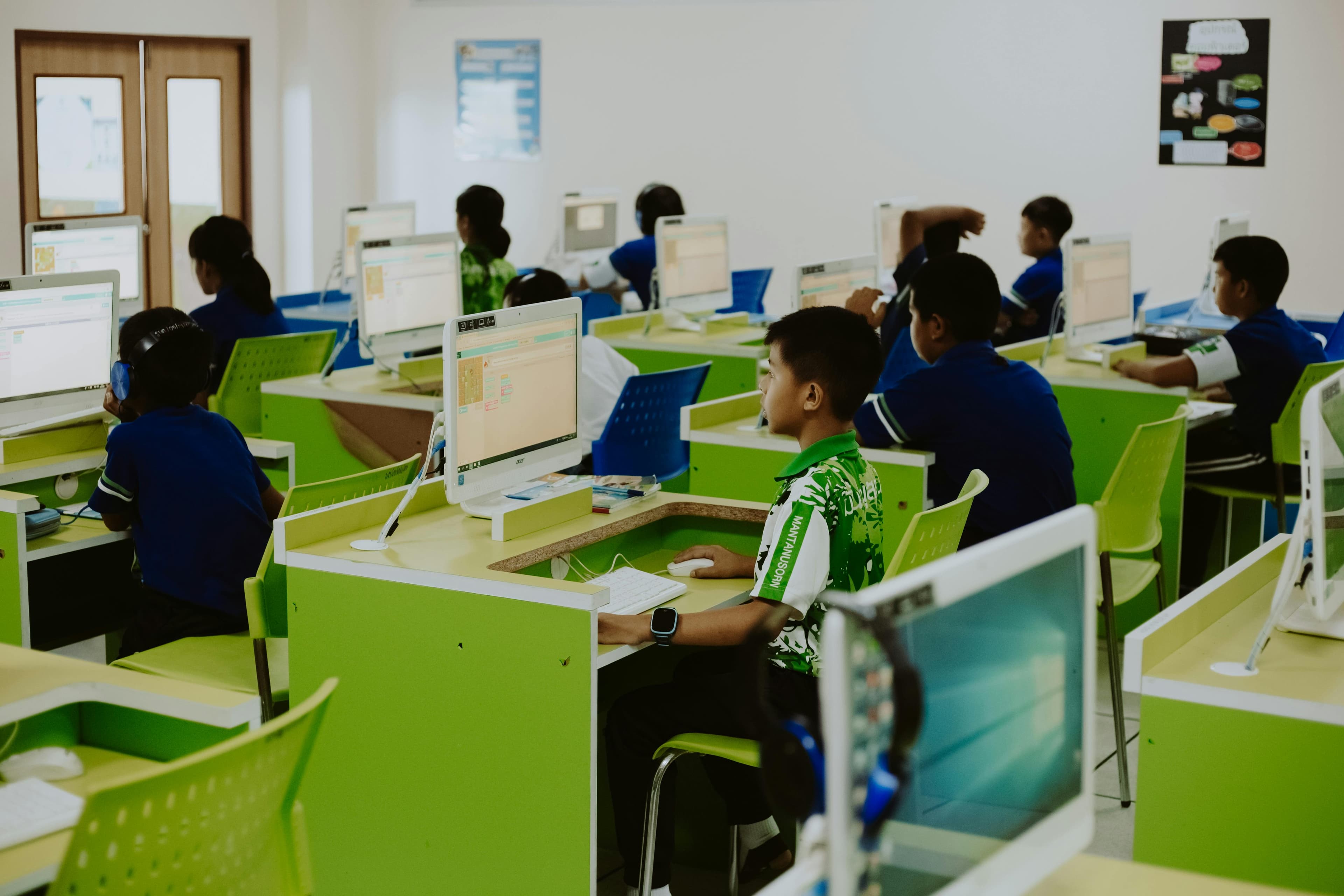
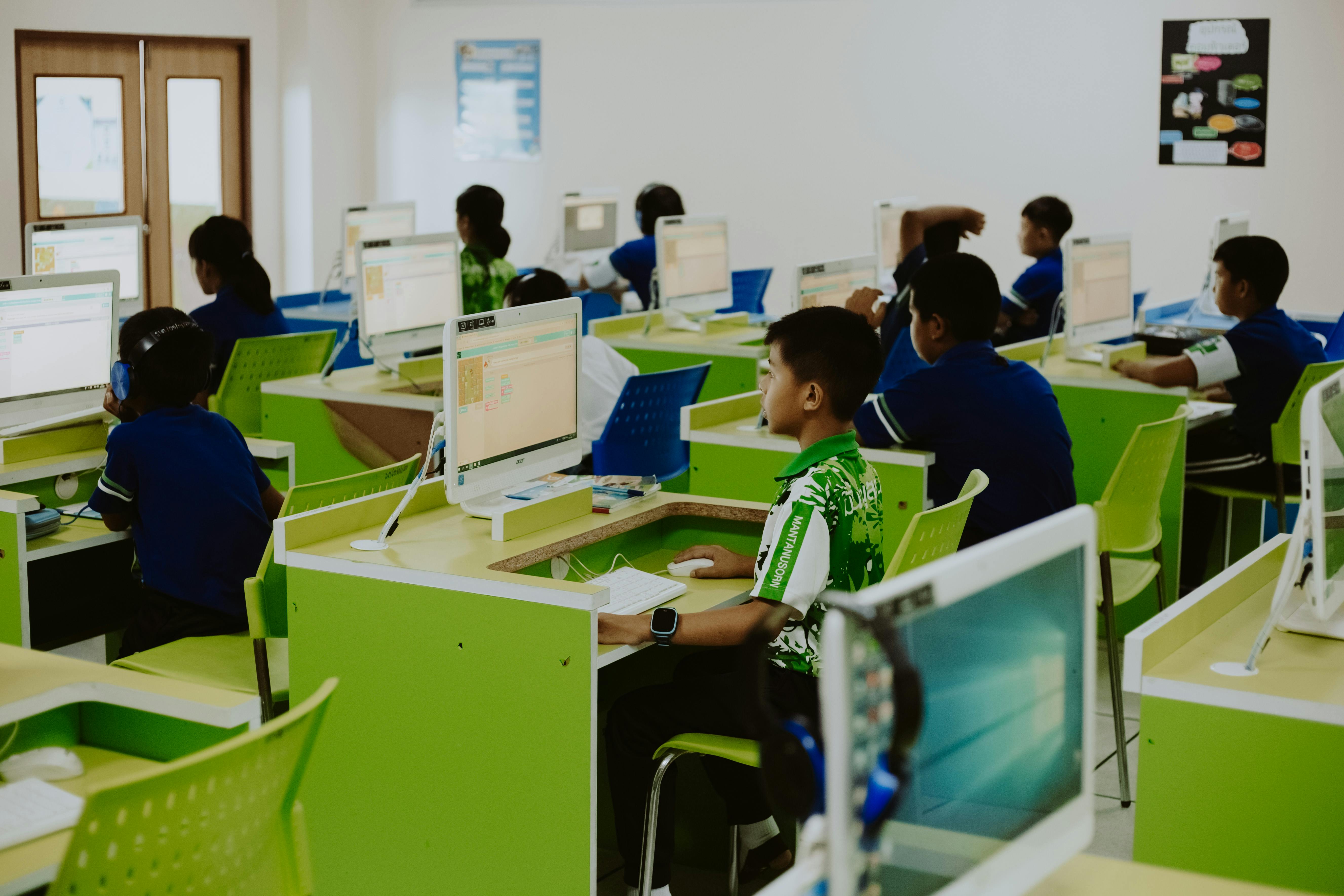 Modern classrooms rely on digital tools for teaching and management.
In 2026, computer skills are no longer optional for teachers.
Classrooms are:
- Digitally connected
- Platform-based
- Resource-rich
- Data-driven
Teachers who are digitally confident:
- Deliver better lessons
- Save time
- Communicate clearly
- Prepare students for real-world environments
Digital literacy is now part of professional teaching standards.
Why Computer Skills Are Vital for Teachers
1. Enhanced Teaching Methods
Technology allows teachers to:
- Use multimedia presentations
- Show educational videos
- Run interactive quizzes
- Use digital whiteboards
Students respond better to visual and interactive learning.
Static lectures alone are no longer enough.
2. Efficient Classroom Management
Teachers use digital systems to:
- Record attendance
- Track grades
- Monitor student performance
- Share assignments
Spreadsheets and Learning Management Systems reduce paperwork and errors.
If you need basic digital foundations, read:
3. Stronger Communication
Modern teaching requires constant communication with:
- Students
- Parents
- School administration
Teachers use:
- Email platforms
- Google Classroom
- WhatsApp groups
- Online portals
Clear digital communication builds trust and professionalism.
4. Access to Unlimited Educational Resources
With strong computer skills, teachers can:
- Download lesson plans
- Access research materials
- Use educational apps
- Join professional teaching communities
The internet is now an extended library.
5. Professional Development
Teachers who use digital tools can:
- Join webinars
- Take online certification courses
- Participate in global education forums
Continuous learning is easier online.
Essential Computer Skills Every Teacher Should Have
1. Word Processing & Document Management
Teachers should confidently use:
- Microsoft Word
- Google Docs
For:
- Lesson plans
- Reports
- Exams
- Administrative documents
2. Presentation Software
Interactive lessons often require:
- PowerPoint
- Google Slides
- Canva
Teachers should know how to:
- Insert images
- Add animations
- Structure slides clearly
3. Spreadsheets for Student Tracking
Spreadsheets help teachers:
- Calculate grades automatically
- Track performance trends
- Identify struggling students
Basic Excel or Google Sheets formulas are extremely useful.
4. Learning Management Systems (LMS)
Platforms like:
- Google Classroom
- Moodle
- Blackboard
Allow teachers to:
- Assign homework
- Collect submissions
- Grade digitally
- Share feedback
LMS proficiency is now a baseline expectation.
5. Online Meeting & Collaboration Tools
Teachers may need:
- Zoom
- Microsoft Teams
- Google Meet
Especially for:
- Remote classes
- Parent meetings
- Staff collaboration
6. Basic Cybersecurity Awareness
Teachers handle student data.
They must understand:
- Strong password practices
- Phishing awareness
- Safe file sharing
- Data privacy basics
For password basics, read:
Read: → How to Create Strong Passwords You’ll Actually Remember
How Computer Skills Improve Teaching Quality
Teachers with strong digital skills can:
- Deliver multimedia-rich lessons
- Personalize learning using student data
- Encourage online collaboration
- Reduce time spent on paperwork
- Respond faster to student needs
Technology increases efficiency and impact.
How Teachers Can Improve Their Computer Skills
- Practice daily use of digital tools
- Take short online courses
- Learn from tech-savvy colleagues
- Introduce one new tool per term
- Follow education technology updates
Start small. Improve consistently.
Final Thoughts
In 2026, computer skills are part of professional teaching.
They help teachers:
- Teach better
- Manage smarter
- Communicate clearly
- Prepare students for a digital world
Digital literacy is not replacing traditional teaching.
It is strengthening it.
Teachers who embrace technology remain relevant, effective, and respected in modern education.
How to Use This Guide
Do not try to learn every skill at once. Use this guide as a practical checklist: choose one section, complete one real task, and write down what you can now do without help. That record becomes useful for resumes, interviews, classroom planning, or workplace conversations because it turns a general claim into proof.
A good next step is to choose one lesson, worksheet, or classroom routine and improve it with a simple digital tool before trying anything more advanced. If the task feels difficult, repeat it three times on different days. Confidence with computer skills usually comes from repeated small actions, not from memorizing definitions.
Quick Classroom Practice
Pick one lesson you already teach and make one digital improvement. For example, turn a paper handout into a Google Doc, create a simple slide with three visuals, or use a spreadsheet to track homework completion for one week. Keep the task small enough to finish in 20 minutes.
After the lesson, write down what worked, what confused students, and what you would repeat. This turns computer skills into teaching evidence instead of a vague professional-development goal.
What to Track Over Time
Teachers do not need advanced software skills to see progress. Track simple evidence: whether lessons are easier to prepare, whether students understand instructions faster, and whether files, grades, or resources are easier to find later. These small improvements matter because they reduce daily friction and give teachers more time for actual teaching.
Keep learning
Practice task
- Create a folder named Work Practice.
- Create three subfolders: Documents, Images, Downloads.
- Open Google Docs or Microsoft Word.
- Write a short paragraph about yourself.
- Save the file inside Documents.
References
- ISTE Standards for Educators - ISTE
- Google for Education - Teacher Center - Google for Education
Topics
Frequently Asked Questions
What are basic computer skills?
Basic computer skills include typing, using a mouse and keyboard, managing files and folders, browsing the web, using email, and working with simple documents or spreadsheets.
What computer skills should I put on my resume?
Add skills that match the job, such as Microsoft Word, Excel, Outlook, file management, data entry, online research, video meetings, and cloud storage.
Can I learn computer skills without a course?
Yes. You can learn computer skills with free guides and steady practice, especially when you use real tasks like creating folders, writing documents, and sending emails.
How long does it take to learn basic computer skills?
Many beginners can learn the basics in a few weeks with regular practice, then improve through daily use at school, work, or home.
Continue learning
Related posts
What Are Computer Networking Skills in the Age of Zero-Trust Security and SD-WAN? (2026 Guide)
Computer networking skills in 2026 go beyond cables and routers. Learn the modern networking skill stack—from Zero-Trust security and cloud VPNs to SD-WAN and automation.
Read guideFor Non-Tech Roles: The Stealth Computer Skills That Make Marketers, HR & Managers Unstoppable (2026 Guide)
In 2026, non-technical professionals who master data tools, automation platforms, and low-code workflows gain a major career advantage. Learn the stealth computer skills that create leverage.
Read guideDescribe Your Computer Skills – How to Ace This Interview Question in 2026 (With Real Examples)
Learn how to answer 'Describe your computer skills' in interviews with structured examples, STAR-method scripts, and role-specific sample answers for 2026.
Read guide