Basic Computer Skills Needed to Land Your First Job
A practical guide to the essential computer skills beginners need to get their first job, pass interviews, and work confidently in a modern office.

Web developer and digital tools creator who builds practical tools and writes beginner-friendly guides for students and job seekers.

Basic Computer Skills Needed to Land Your First Job
Getting your first job is stressful.
Many candidates fail interviews not because they are lazy or unqualified — but because they lack basic computer skills.
The good news:
You don’t need advanced coding or expensive courses.
Most entry-level jobs only require a small set of practical digital skills.
This guide shows the exact skills employers expect from beginners.
 Most entry-level roles expect basic computer confidence.
Why Basic Computer Skills Matter in First Jobs
In modern workplaces:
- Tasks arrive through email or chat
- Files are shared through the cloud
- Data is stored in spreadsheets
- Meetings happen online
Even simple roles now require basic digital confidence.
Employers assume:
If you can’t handle simple computer tasks, you will slow down the team.
The 6 Core Computer Skills for Entry-Level Jobs
These are the real basics employers look for.
1. Using a Computer Confidently
You should know how to:
- Turn a computer on and shut it down properly
- Use a mouse and keyboard
- Open and close programs
- Create and organize folders
- Save and find files
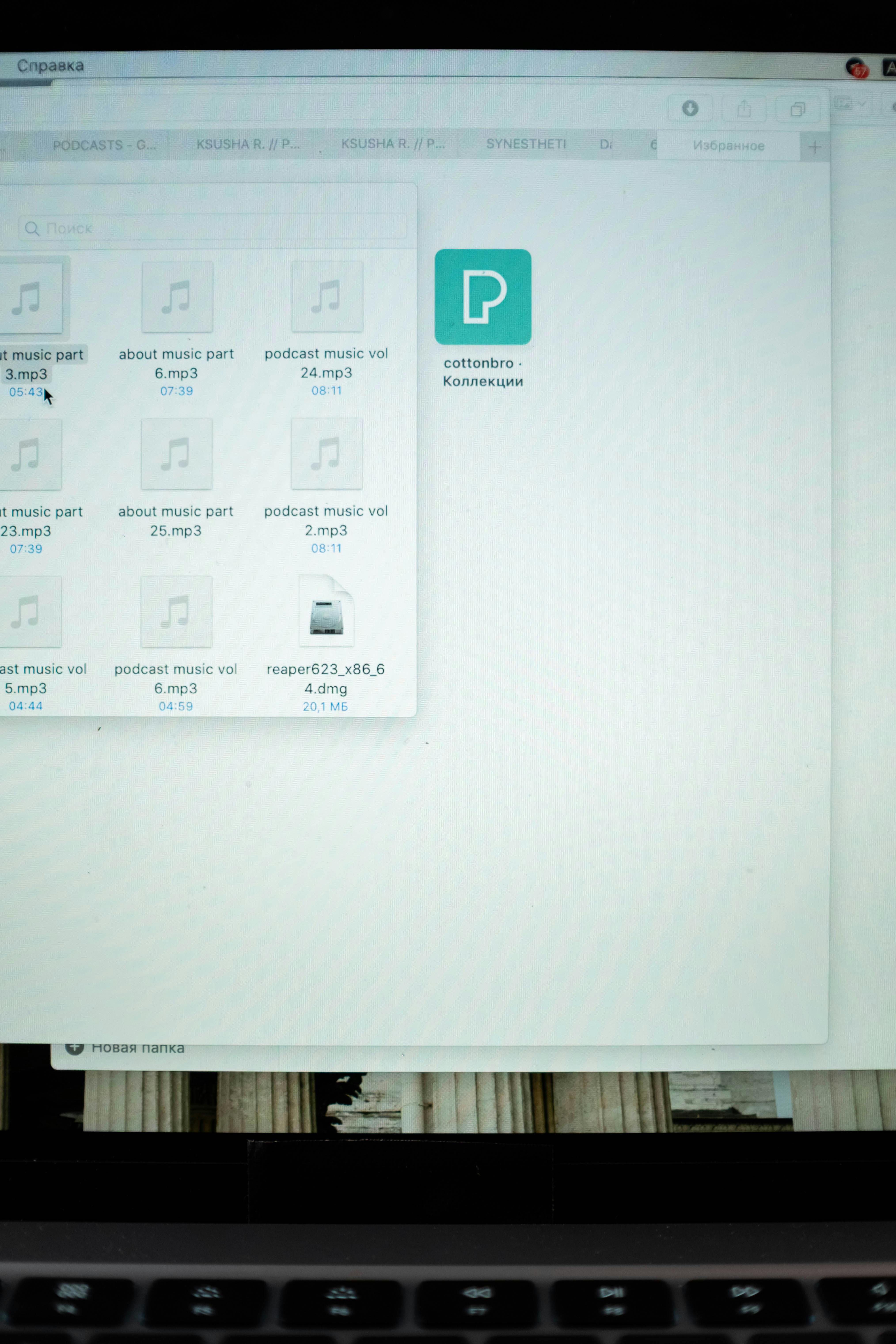 Basic file organization is expected in most jobs.
Real interview task example:
“Create a folder called Reports and save this file inside it.”
If you can’t do this, it creates a bad impression.
2. Typing and Document Creation
Most entry-level jobs require:
- Typing letters or short reports
- Editing documents
- Saving files as PDF
Tools commonly used:
- Microsoft Word
- Google Docs
Basic skills:
- Formatting text
- Creating bullet points
- Adjusting spacing
- Saving and sharing documents
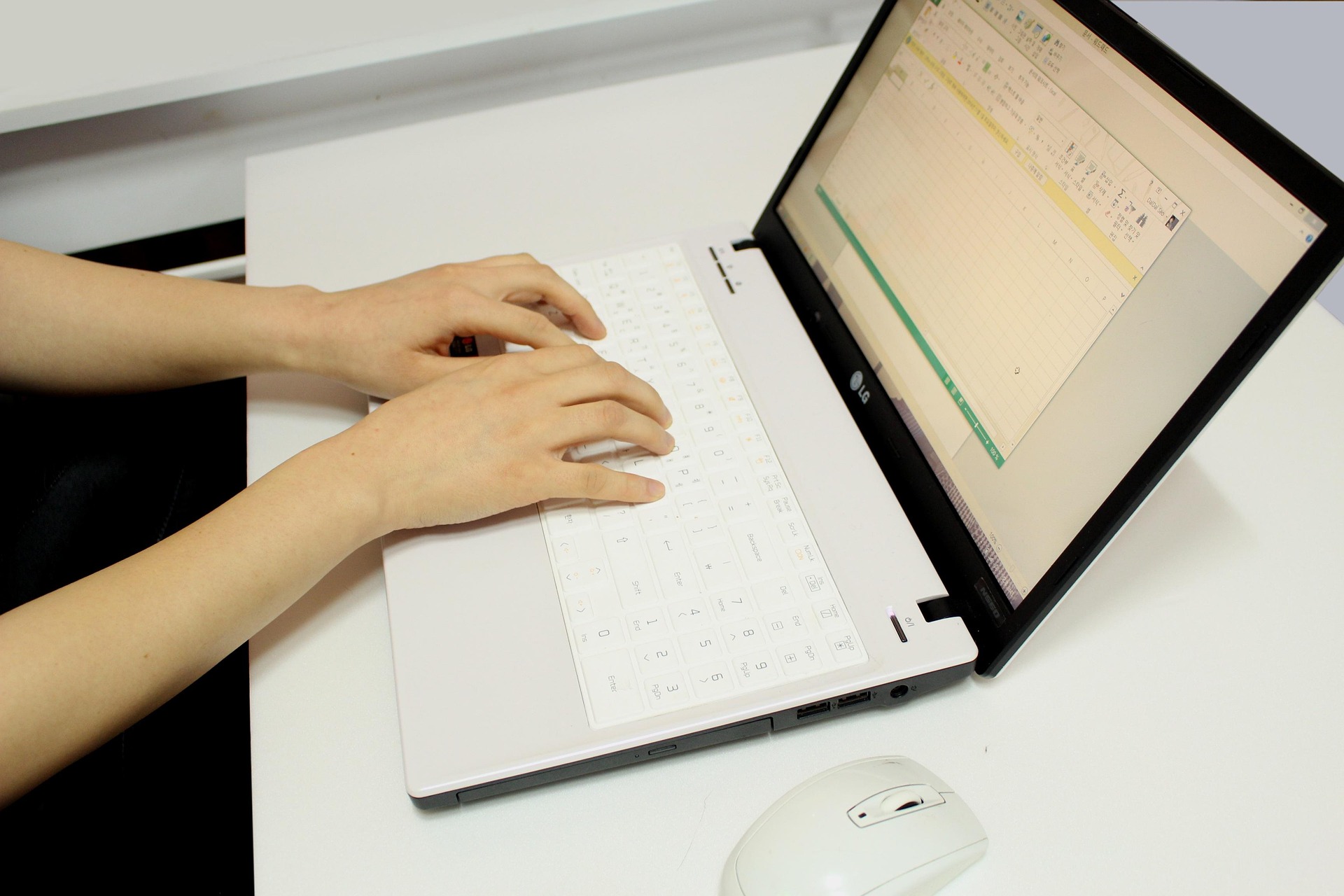 Knowing how to format simple documents is a core job skill.
Read: Word or Google Docs Beginner Guide → /blog/word-docs-basics
3. Email Communication
Email is still a core business tool.
You must know how to:
- Create an email account
- Send and reply to messages
- Attach files
- Use clear subject lines
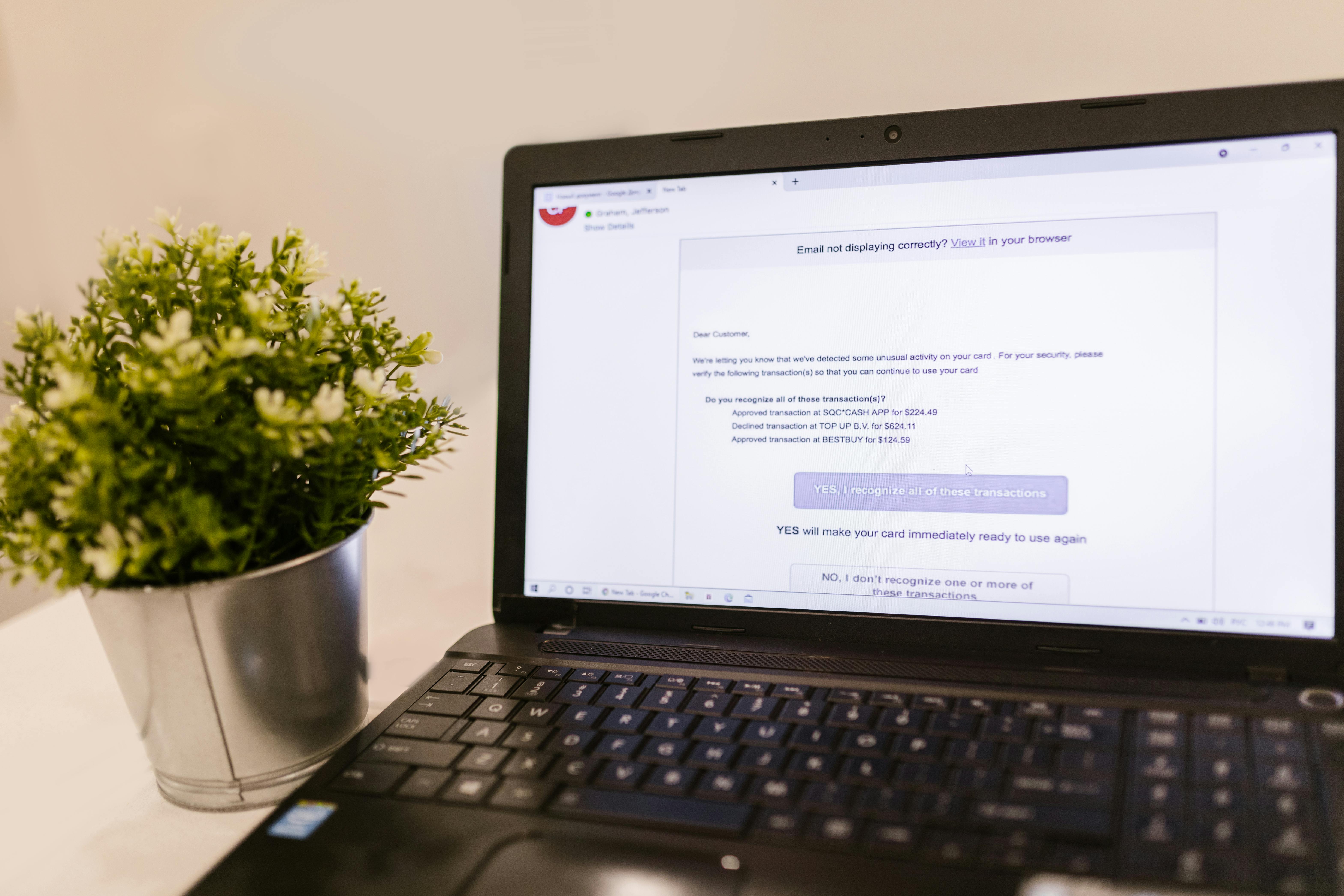 Professional email communication is expected in all office jobs.
Real interview test: Some companies ask candidates to:
- Write a short email
- Attach a file
- Send it to the interviewer
Internal link idea:
Read: How to Write Professional Emails → /blog/professional-email-guide
4. Internet Browsing and Online Research
Basic internet skills include:
- Searching on Google
- Opening trusted websites
- Downloading files
- Avoiding suspicious links
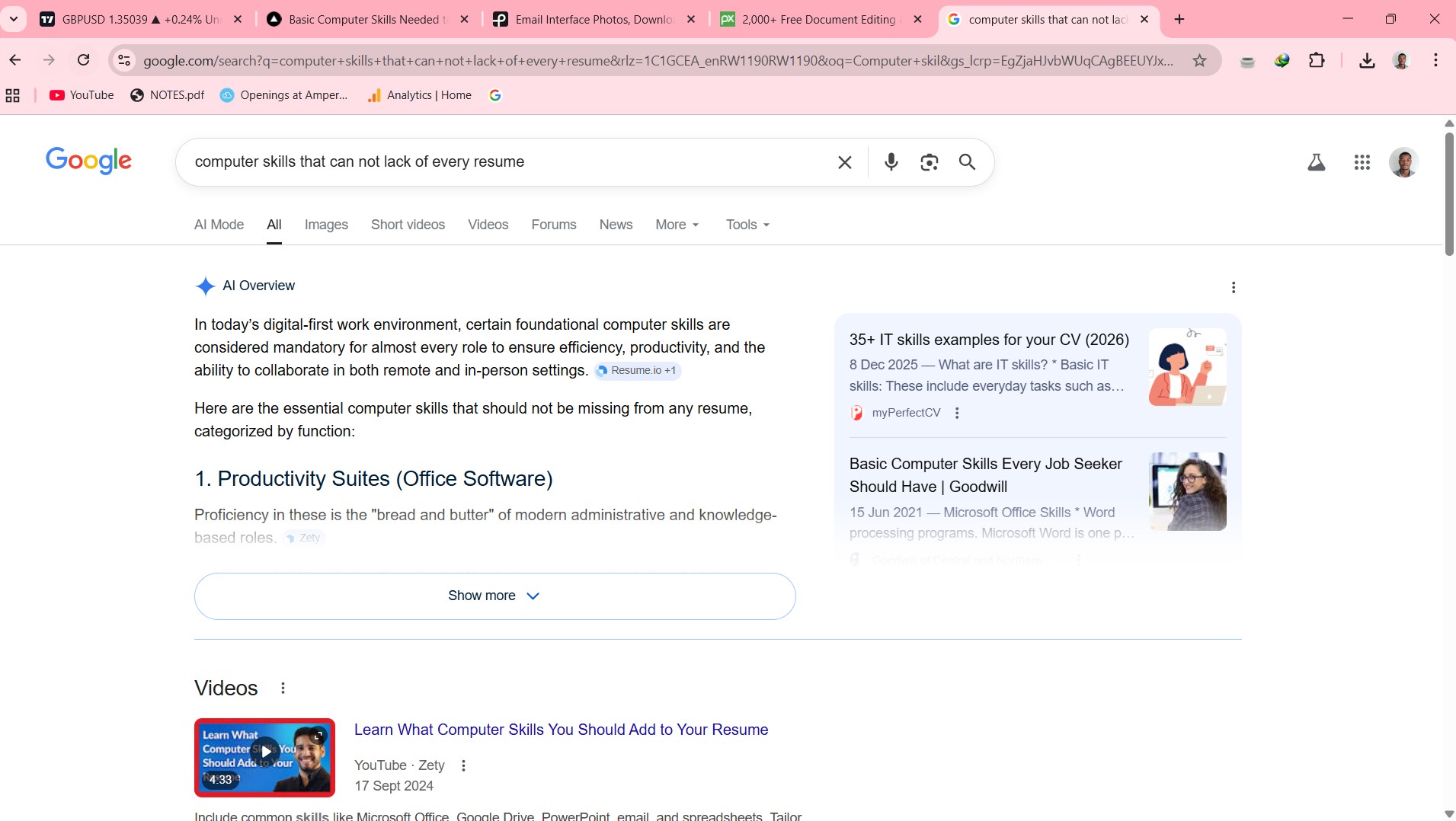 Employers expect you to find information online.
Example task:
“Find a free template for a business letter and download it.”
5. Spreadsheet Basics
Many entry-level jobs involve simple data tasks.
You should know how to:
- Open Excel or Google Sheets
- Enter data into cells
- Create simple tables
- Adjust column sizes
- Save the file
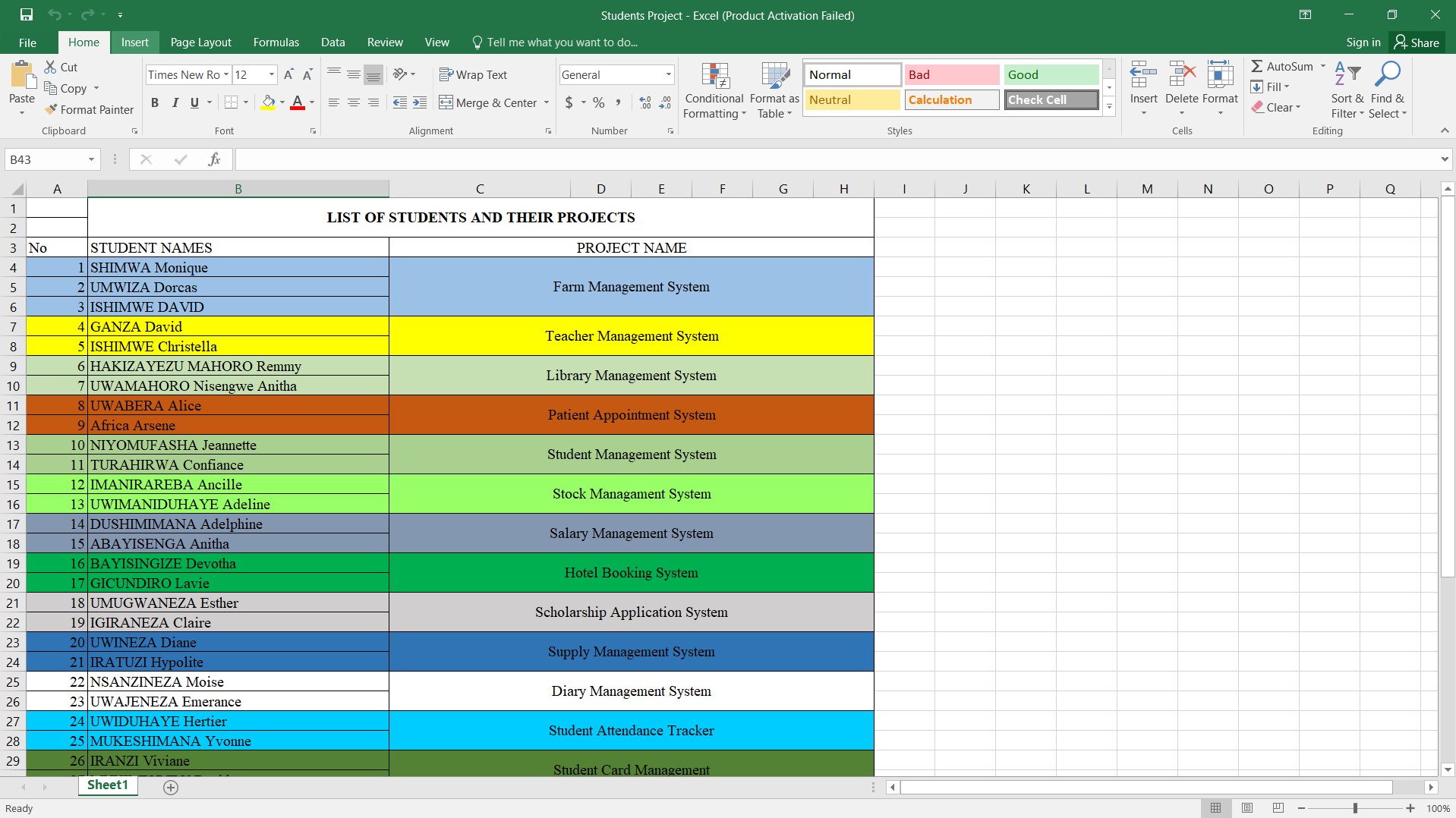 Basic spreadsheet skills are required in many roles.
You don’t need complex formulas.
Basic organization is enough for most first jobs.
Read: → What Are the 10 Important Points of Computer Knowledge
6. Online Meeting Tools
Many interviews and jobs are now remote.
You should know how to:
- Join a Zoom or Google Meet call
- Turn camera on/off
- Mute and unmute microphone
- Share your screen
 Many first interviews now happen online.
Practice before your interview to avoid technical problems.
How to Present These Skills in an Interview
Instead of saying:
“I’m good with computers.”
Say something specific:
“I can create documents in Word, send professional emails, search information online, organize files, and work with basic spreadsheets.”
This sounds:
- Honest
- Clear
- Practical
And employers trust it more.
Common Mistakes First-Time Job Seekers Make
Avoid these:
- Claiming skills you don’t have
- Saying “computer expert” without proof
- Panicking during practical tests
- Not knowing how to send attachments
- Struggling to join online interviews
Simple practice solves these problems.
A Simple 14-Day Practice Plan
If you feel unprepared, follow this:
Week 1
- Day 1: Create folders and organize files
- Day 2: Practice typing for 20 minutes
- Day 3: Write a simple letter in Word
- Day 4: Send a test email with attachment
- Day 5: Search and download a template
- Day 6: Create a simple spreadsheet
- Day 7: Review everything
Week 2
- Practice all skills together daily
- Join a test Zoom or Meet call
- Simulate an interview task
After two weeks, you will be ready for most entry-level roles.
Frequently Asked Questions
What computer skills do employers expect from beginners?
Basic file management, document editing, email use, spreadsheets, and online meeting tools.
Do I need coding to get my first job?
No. Most entry-level jobs only require basic digital skills.
How long does it take to learn these skills?
Most people can learn them in 2–4 weeks with daily practice.
Final Thoughts
Your first job doesn’t require advanced tech knowledge.
It requires confidence in simple tasks like:
- Writing documents
- Sending emails
- Organizing files
- Using spreadsheets
- Joining online meetings
Master these basics once, and they will help you for years.
Related Guides
- What Are the 10 Important Points of Computer Knowledge
- How to Create Strong Passwords You’ll Actually Remember
- What Are Computer Operation Skills in 2026?
About the Author
Jadox is a web developer and digital tools creator.
He builds practical tools and writes beginner-friendly guides to help students and job seekers succeed in the digital workplace.
This article is for educational purposes. Skill requirements vary by role and industry.
Keep learning
Practice task
- Create a folder named Work Practice.
- Create three subfolders: Documents, Images, Downloads.
- Open Google Docs or Microsoft Word.
- Write a short paragraph about yourself.
- Save the file inside Documents.
References
- CISA - Secure Our World - Cybersecurity and Infrastructure Security Agency
- FTC - How to Recognize and Avoid Phishing Scams - Federal Trade Commission
Topics
Frequently Asked Questions
What are basic computer skills?
Basic computer skills include typing, using a mouse and keyboard, managing files and folders, browsing the web, using email, and working with simple documents or spreadsheets.
What computer skills should I put on my resume?
Add skills that match the job, such as Microsoft Word, Excel, Outlook, file management, data entry, online research, video meetings, and cloud storage.
Can I learn computer skills without a course?
Yes. You can learn computer skills with free guides and steady practice, especially when you use real tasks like creating folders, writing documents, and sending emails.
How long does it take to learn basic computer skills?
Many beginners can learn the basics in a few weeks with regular practice, then improve through daily use at school, work, or home.
Continue learning
Related posts
Basic Computer Skills for Beginners: 10 Practical Tasks You Can Do Today
Learn basic computer skills by doing real beginner tasks: creating folders, typing a document, saving files, sending emails, using Excel, and staying safe online.
Read guideKeyboard Shortcuts Every Beginner Should Know
Learn the most useful keyboard shortcuts for beginners with practical tasks for copying, pasting, saving, undoing, switching windows, and working faster.
Read guideComputer Skills: Complete Guide for Resume, Work, and Beginners
A beginner-friendly pillar guide to practical computer skills for resumes, job applications, office work, students, and everyday digital confidence.
Read guide