Computer Skills to Put on a Job Application (2026 Practical Guide)
Learn which computer skills to include on a job application in 2026 and how to present them clearly to improve your chances of getting hired.

Web developer and digital tools creator who writes practical guides to help students and job seekers build relevant digital skills.
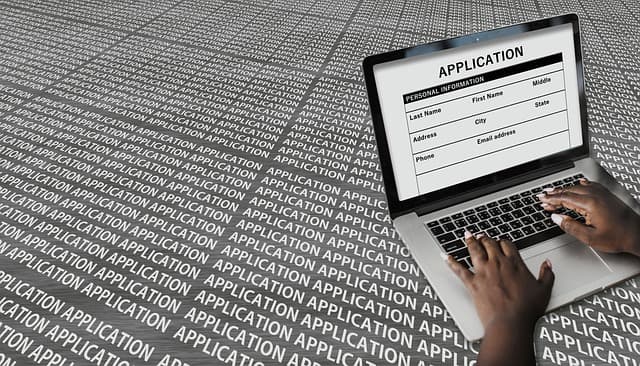
Computer Skills to Put on a Job Application (2026 Practical Guide)
In 2026, computer skills are not optional.
Almost every workplace uses digital tools for:
- Communication
- Documentation
- Record keeping
- Online collaboration
- Customer service
When you list the right computer skills on a job application, you show employers one important thing:
You are ready to work in a modern environment.
If you are still building fundamentals, start here:
What Are the 10 Important Points of Computer Knowledge
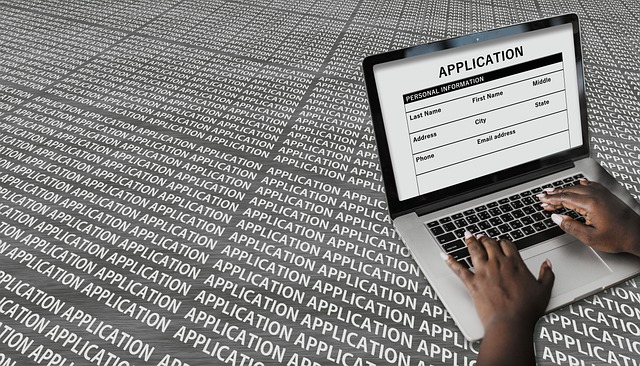 A clear and specific skills section increases recruiter confidence.
Why Employers Pay Attention to Computer Skills
Employers want candidates who:
- Require minimal training
- Adapt to digital tools quickly
- Communicate professionally online
- Work efficiently in cloud environments
Even entry-level jobs now require:
- Sending emails
- Updating spreadsheets
- Joining online meetings
- Filling digital forms
Strong computer skills reduce onboarding time. That makes you more employable.
Essential Computer Skills for Job Applications
Below are the most widely expected skills across industries.
1. Productivity Software (Core Requirement)
These tools are requested in most job descriptions:
- Microsoft Word / Google Docs
- Microsoft Excel / Google Sheets
- PowerPoint / Google Slides
You should know how to:
- Format documents
- Use basic Excel formulas
- Create simple charts
- Design clean presentations
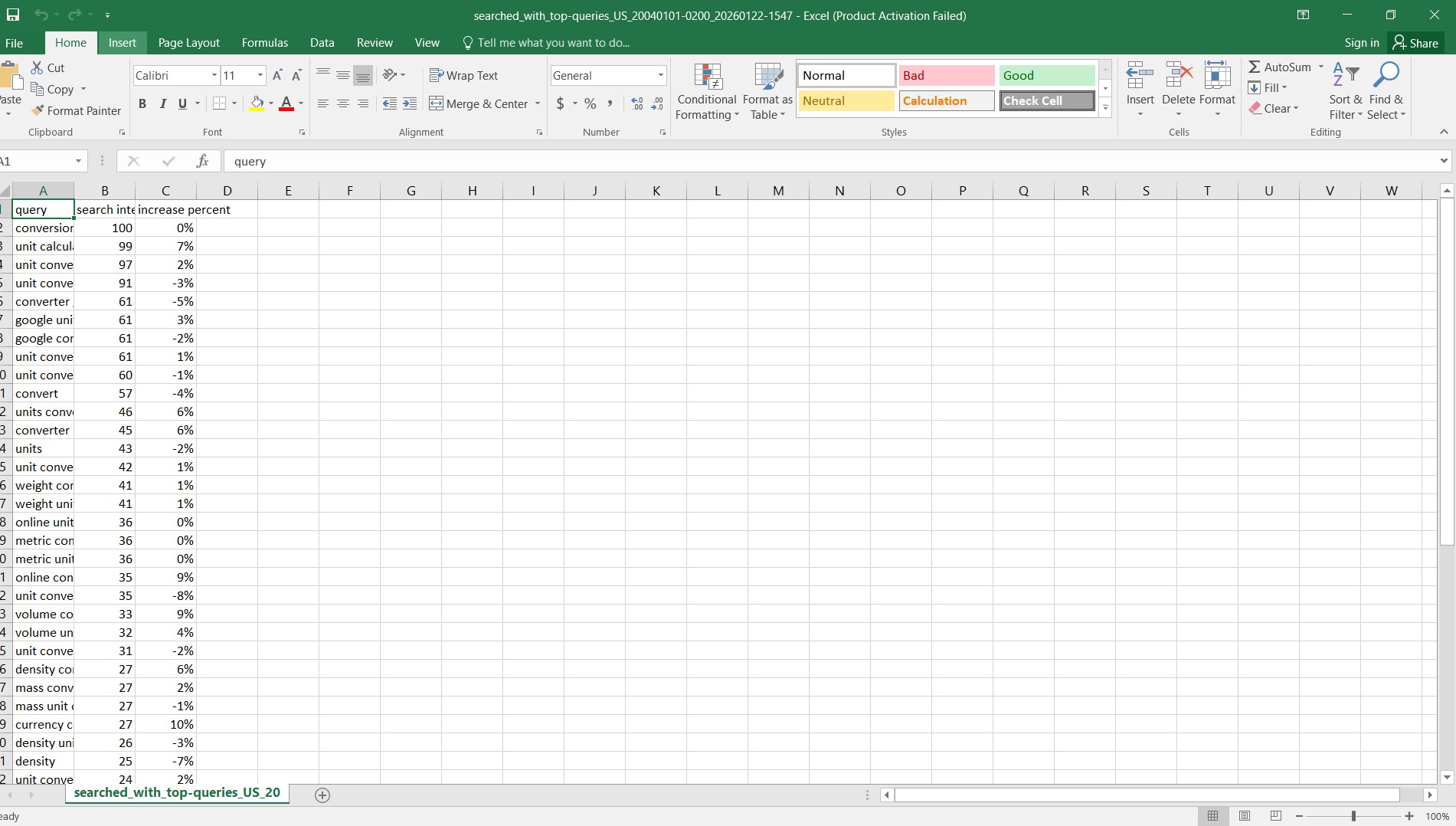 Basic productivity tools are expected in nearly every office role.
If you need a structured improvement plan:
2. Email & Professional Communication
Communication skills are critical.
You should be able to:
- Write structured emails
- Use professional tone
- Attach and organize files
- Manage inbox folders
Common platforms:
- Gmail
- Outlook
If email writing is a weakness:
How to Write Professional Emails
3. Internet & Research Skills
Most jobs require independent research.
Valuable abilities include:
- Searching efficiently
- Evaluating reliable sources
- Downloading and organizing files
- Avoiding suspicious websites
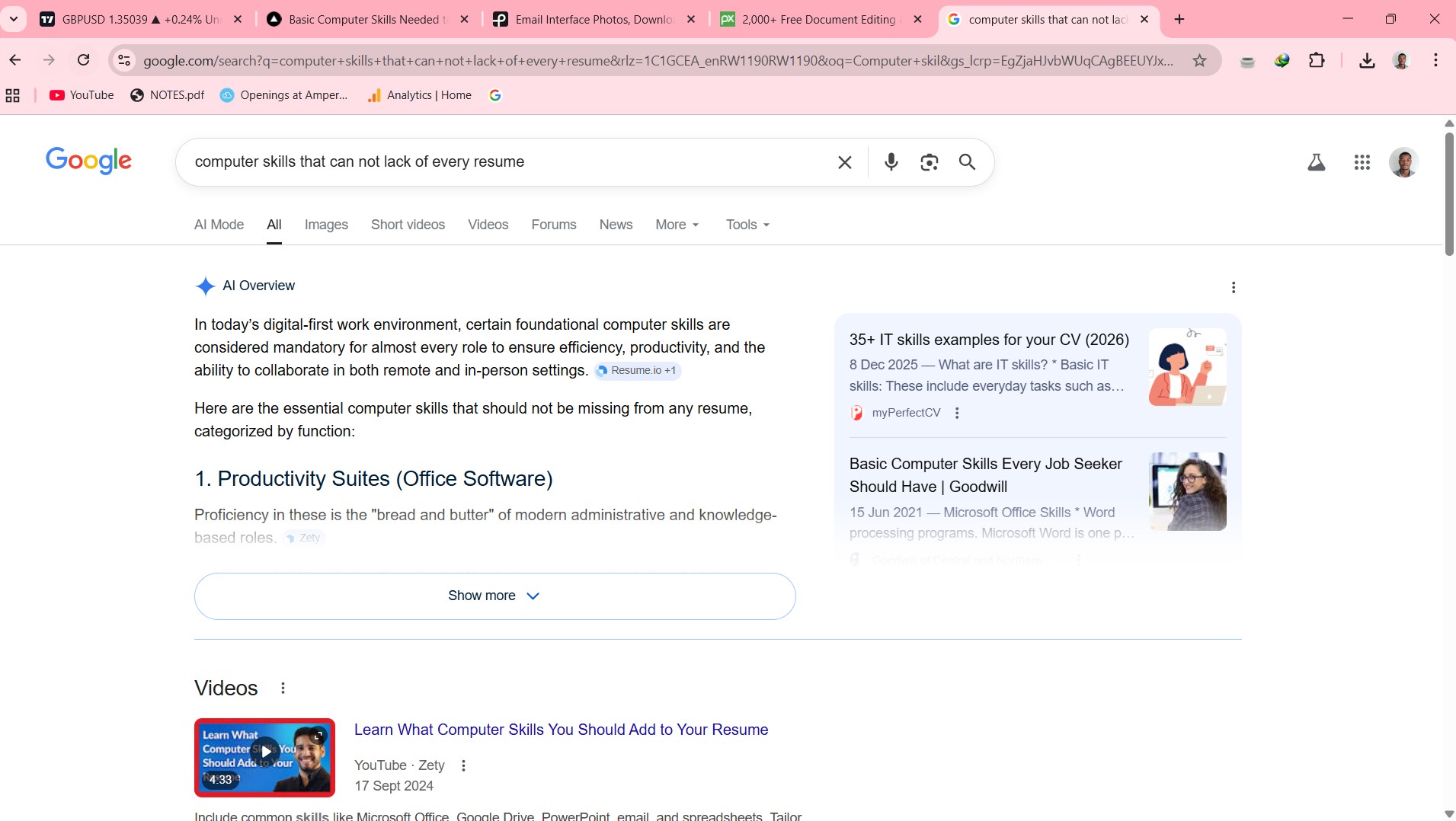 Strong research skills increase workplace productivity.
4. Typing & Data Entry
Fast and accurate typing matters for:
- Administrative roles
- Customer support
- Record keeping
- Data entry jobs
Even basic roles benefit from speed and accuracy.
5. Cloud & File Management
Modern workplaces rely on:
- Google Drive
- Microsoft OneDrive
- Shared folders
You should know how to:
- Organize files
- Set permissions
- Share documents properly
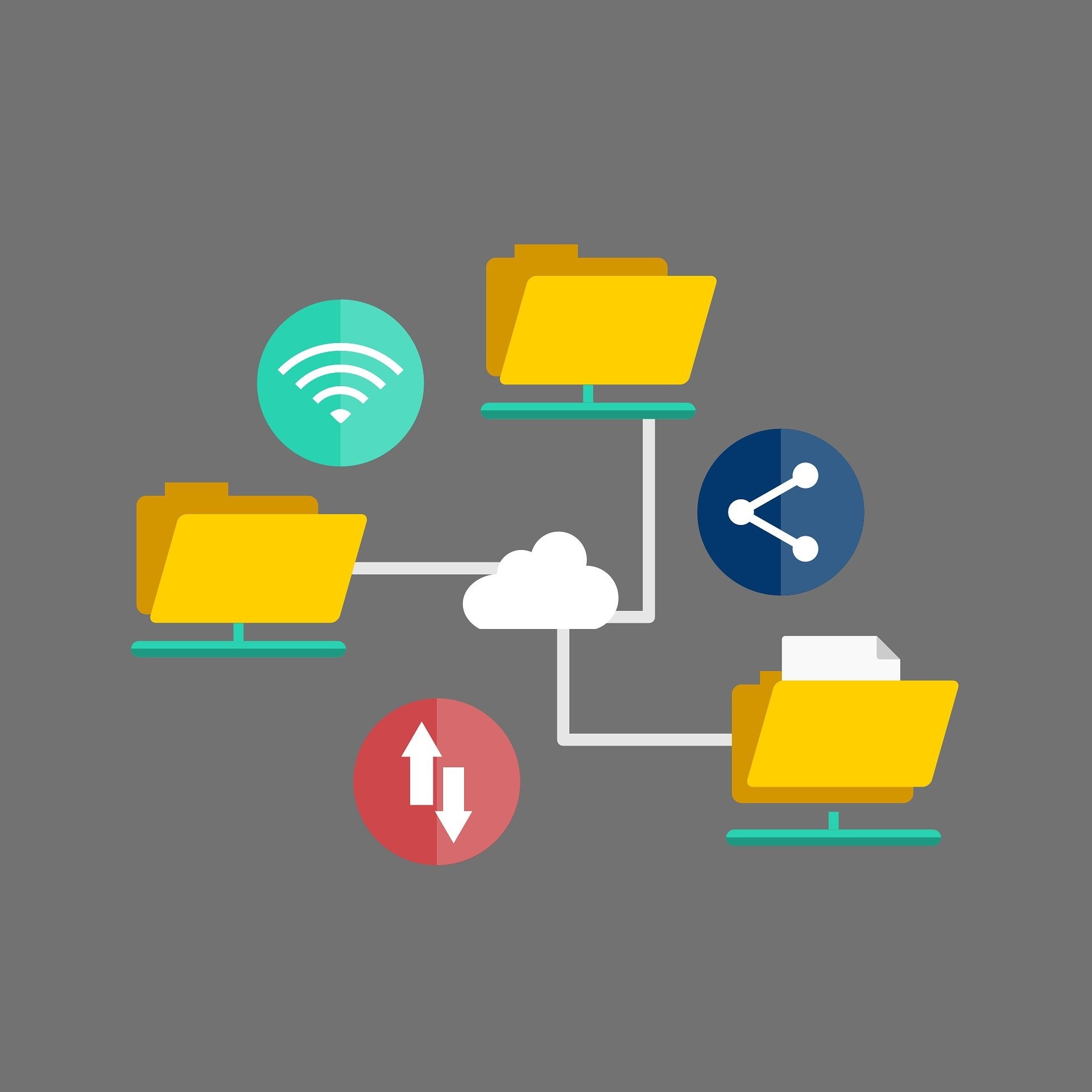 Cloud collaboration is now a workplace standard.
6. Online Meeting & Collaboration Tools
Remote and hybrid work require:
- Zoom
- Google Meet
- Microsoft Teams
- Slack
You should be comfortable:
- Joining meetings
- Sharing screens
- Collaborating in chats
7. Basic Graphic & Social Media Skills (Role-Dependent)
For marketing or communication roles, mention:
- Canva
- Simple image editing
- Social media posting
- Responding to messages
These are especially useful in small companies and startups.
Advanced Computer Skills (Only If Applicable)
If you genuinely understand them, you may include:
- WordPress website management
- Basic HTML or coding
- Digital marketing tools
- CRM systems
- AI productivity tools
If you’re unsure how to categorize skills properly:
15 Professional Alternatives to “Computer Skills” on a Resume
Only include skills you can demonstrate. Employers may test them.
How to Write Computer Skills on a Job Application
Avoid vague statements like:
- “Computer literate”
- “Computer expert”
Instead, use specific, measurable descriptions.
Example Format
Digital Skills
- Microsoft Excel — Basic formulas & data organization
- Gmail — Professional email communication
- Google Drive — Cloud file sharing
- Canva — Simple marketing graphics
- Zoom — Online meeting coordination
Clear. Specific. ATS-friendly.
Common Mistakes to Avoid
- Listing skills you cannot perform
- Using outdated software only
- Being too generic
- Ignoring the job description
- Overclaiming expertise
Always match your skills to the job requirements.
Final Thoughts
Computer skills increase your job opportunities across almost every industry.
Start with:
- Productivity tools
- Email communication
- File management
- Online collaboration
Then build advanced skills over time.
Even simple digital competence can set you apart from other applicants.
Learn consistently.
Practice regularly.
Present your skills clearly.
That’s how you get noticed in 2026.
Related Guides
- Computer Skills in Demand Today
- Computer Skills for Resume (Freshers Guide)
- The 2026 Computer Skills Starter Pack
About the Author
Jadox is a web developer and digital tools creator who analyzes hiring trends and publishes practical guides to help students and job seekers improve digital readiness.
This article reflects general hiring expectations in 2026. Skill requirements vary by industry and role.
How to Use This Guide
Do not try to learn every skill at once. Use this guide as a practical checklist: choose one section, complete one real task, and write down what you can now do without help. That record becomes useful for resumes, interviews, classroom planning, or workplace conversations because it turns a general claim into proof.
A good next step is to open a real job description, highlight the digital tasks it mentions, and rewrite your resume or answer using only skills you can honestly demonstrate. If the task feels difficult, repeat it three times on different days. Confidence with computer skills usually comes from repeated small actions, not from memorizing definitions.
Keep learning
Practice task
- Create a folder named Work Practice.
- Create three subfolders: Documents, Images, Downloads.
- Open Google Docs or Microsoft Word.
- Write a short paragraph about yourself.
- Save the file inside Documents.
References
- O*NET OnLine - Skills Search - U.S. Department of Labor
- CareerOneStop - Resumes - U.S. Department of Labor
Topics
Frequently Asked Questions
What are basic computer skills?
Basic computer skills include typing, using a mouse and keyboard, managing files and folders, browsing the web, using email, and working with simple documents or spreadsheets.
What computer skills should I put on my resume?
Add skills that match the job, such as Microsoft Word, Excel, Outlook, file management, data entry, online research, video meetings, and cloud storage.
Can I learn computer skills without a course?
Yes. You can learn computer skills with free guides and steady practice, especially when you use real tasks like creating folders, writing documents, and sending emails.
How long does it take to learn basic computer skills?
Many beginners can learn the basics in a few weeks with regular practice, then improve through daily use at school, work, or home.
Continue learning
Related posts
Computer Skills for Resume: Best Examples for 2026
Learn the best computer skills to put on your resume in 2026, with simple examples, resume phrases, common mistakes, and a quick practice task.
Read guideWhat Are Computer Operation Skills in 2026?
Master essential computer operation skills that make marketers, HR, and managers unstoppable in the digital workplace.
Read guideThe 2026 Obsolete List: 5 "Computer Skills" You Should Remove From Your Resume
Still listing basic computer skills on your resume? In 2026, some computer skills are assumed. Learn what to remove and what modern, ATS-friendly replacements to use instead.
Read guide