Computer Skills for Resume (2026): A Practical Guide for Freshers With No Experience
A complete 2026 guide to computer skills for freshers. Includes project-based examples, ATS-friendly lists, and practical ways to build resume-ready digital skills without job experience.

Web developer and digital tools creator who writes practical, research-based guides to help students and fresh graduates succeed in the modern digital workplace.
Computer Skills for Resume (2026): A Practical Guide for Freshers With No Experience
If you're a student or fresher, you’ve probably looked at the “Computer Skills” section on a resume and wondered:
What exactly should I write here?
In 2026, employers do not expect freshers to be experts.
They expect something more realistic:
- Digital confidence
- Comfort with modern tools
- Ability to learn quickly
- Basic cloud and collaboration knowledge
This guide explains exactly what to include — even if you have no formal job experience.
 Employers expect digital readiness from fresh graduates.
What Recruiters Actually Look for in 2026
Recruiters reviewing fresher resumes look for:
- Familiarity with productivity tools
- Cloud storage experience
- Basic data handling ability
- Online communication skills
- Awareness of security and digital responsibility
They do not expect years of experience.
They expect functional capability.
If you're still building foundations, read:
👉 Basic Computer Skills Needed to Land Your First Job
The 5 Core Computer Skill Categories for Freshers
1. Digital Productivity Skills (Non-Negotiable)
These tools are required in almost every office job.
Core Tools
- Microsoft Word / Google Docs
- Excel / Google Sheets
- PowerPoint / Google Slides
What You Should Know
- Formatting documents
- Using basic Excel formulas (SUM, AVERAGE)
- Creating simple charts
- Designing clear presentations
 Productivity tools are the foundation of workplace readiness.
Resume Example
Instead of:
Microsoft Office
Write:
Microsoft Word (academic report formatting), Excel (basic formulas & charts), PowerPoint (presentation design)
Specific descriptions improve credibility.
2. Cloud & File Management Skills
Modern teams operate in cloud environments.
Tools
- Google Drive
- OneDrive
- Dropbox
Skills
- Organizing folders
- Managing file versions
- Setting sharing permissions
- Collaborating in real time
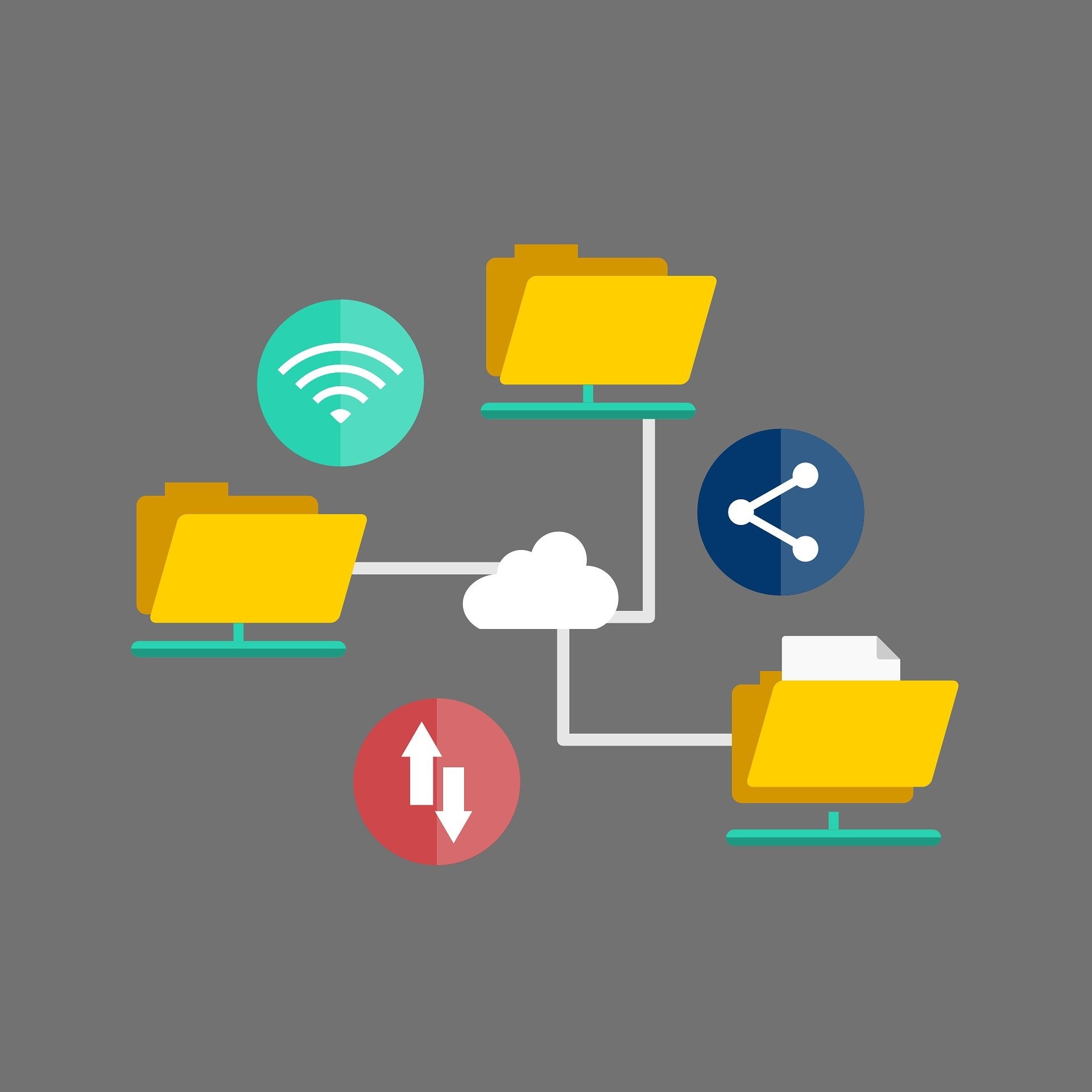 Cloud organization reflects professional discipline.
Resume Project Example
Organized team project files using Google Drive folder structures and managed access permissions for group collaboration.
That counts as experience.
3. Online Collaboration & Communication
Remote and hybrid work are now standard.
Tools
- Zoom / Google Meet
- Slack / Microsoft Teams
- Trello / Notion
Skills
- Joining and managing video calls
- Sharing screens
- Tracking tasks on boards
- Sending structured updates
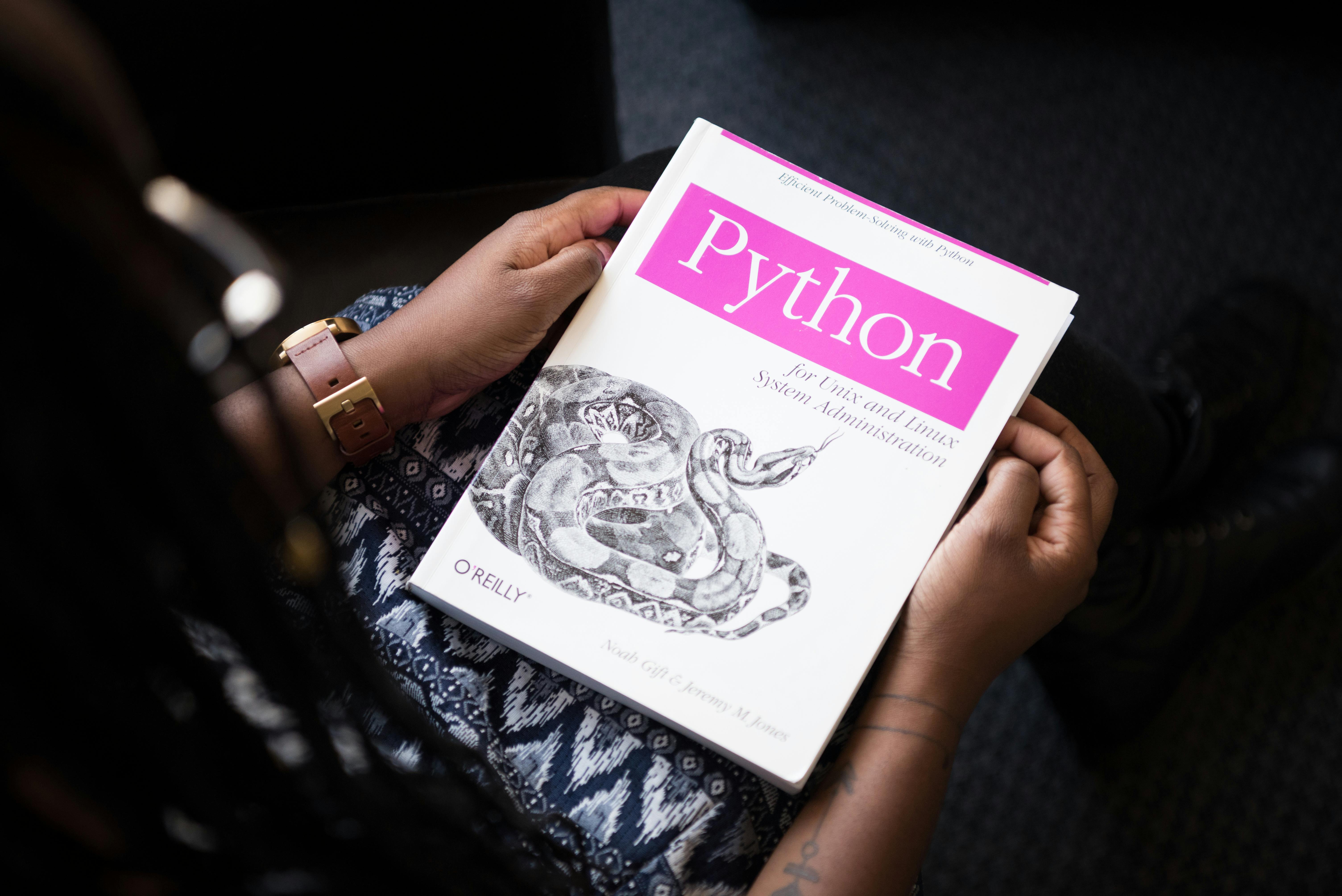 Digital communication skills are essential in 2026.
If you want to improve email writing:
👉 How to Write Professional Emails
4. Basic Data & Reporting Skills
Most jobs involve some data handling.
You should know:
- Data entry
- Sorting & filtering
- Creating simple reports
- Basic chart visualization
Resume Example
Designed a personal budget tracker in Excel using formulas and monthly summary charts.
Academic projects are valid experience.
5. AI & Automation Awareness (2026 Advantage)
AI tools are now common in workplaces.
Basic familiarity includes:
- Using AI tools for research
- Drafting content with AI assistance
- Reviewing and verifying AI output
- Improving workflow efficiency
If you want to understand digital maturity deeper:
👉 Computer Literacy vs Digital Fluency (2026)
AI literacy is becoming part of digital fluency.
ATS-Friendly Computer Skills Section (Copy-Ready)
If applying through job portals, clarity matters.
Computer Skills:
- Microsoft Word, Excel (basic formulas), PowerPoint
- Google Workspace (Docs, Sheets, Drive)
- Cloud file management
- Zoom, Microsoft Teams
- Task management tools (Trello, Notion)
- Basic spreadsheet reporting
- AI productivity tools
Use keywords that match job descriptions.
What If You Have Zero Work Experience?
Use academic and personal projects.
Examples:
- Built a budget tracker in Excel
- Created structured presentations in Google Slides
- Managed group assignments using Trello
- Organized project files in Google Drive
Recruiters understand that freshers start here.
What matters is practical demonstration.
Common Mistakes Freshers Make
❌ Writing only “Basic Computer Knowledge”
❌ Claiming “Expert” without proof
❌ Listing outdated tools only
❌ No examples of practical usage
❌ Poorly formatted resume
A badly formatted CV suggests weak digital skills.
30-Day Skill Upgrade Plan
If you want fast improvement:
Week 1:
- Master Word formatting
- Practice Excel formulas
Week 2:
- Build a small spreadsheet project
- Improve email writing
Week 3:
- Use Trello or Notion for task management
- Practice cloud organization
Week 4:
- Learn basic AI prompting
- Improve presentation design
Four focused weeks can significantly strengthen your resume.
Final Thoughts
In 2026, computer skills on a fresher resume are not about typing speed.
They are about one question:
Can you function confidently in a modern digital workplace?
Show tools.
Show small projects.
Show practical ability.
That is enough to compete — even without job experience.
Related Guides
- Basic Computer Skills Needed to Land Your First Job
- Computer Skills Required for Every Job (2026)
- How to Create Strong Passwords You’ll Actually Remember
About the Author
Jadox is a web developer and digital tools creator who analyzes modern workplace technology trends and writes practical guides for students and fresh graduates entering the job market.
This article reflects current workplace expectations in 2026. Skill requirements may vary by industry and role.
How to Use This Guide
Do not try to learn every skill at once. Use this guide as a practical checklist: choose one section, complete one real task, and write down what you can now do without help. That record becomes useful for resumes, interviews, classroom planning, or workplace conversations because it turns a general claim into proof.
A good next step is to open a real job description, highlight the digital tasks it mentions, and rewrite your resume or answer using only skills you can honestly demonstrate. If the task feels difficult, repeat it three times on different days. Confidence with computer skills usually comes from repeated small actions, not from memorizing definitions.
Keep learning
Practice task
- Create a folder named Work Practice.
- Create three subfolders: Documents, Images, Downloads.
- Open Google Docs or Microsoft Word.
- Write a short paragraph about yourself.
- Save the file inside Documents.
References
- CISA - Secure Our World - Cybersecurity and Infrastructure Security Agency
- FTC - How to Recognize and Avoid Phishing Scams - Federal Trade Commission
Topics
Frequently Asked Questions
What are basic computer skills?
Basic computer skills include typing, using a mouse and keyboard, managing files and folders, browsing the web, using email, and working with simple documents or spreadsheets.
What computer skills should I put on my resume?
Add skills that match the job, such as Microsoft Word, Excel, Outlook, file management, data entry, online research, video meetings, and cloud storage.
Can I learn computer skills without a course?
Yes. You can learn computer skills with free guides and steady practice, especially when you use real tasks like creating folders, writing documents, and sending emails.
How long does it take to learn basic computer skills?
Many beginners can learn the basics in a few weeks with regular practice, then improve through daily use at school, work, or home.
Continue learning
Related posts
Basic Computer Skills for Beginners: 10 Practical Tasks You Can Do Today
Learn basic computer skills by doing real beginner tasks: creating folders, typing a document, saving files, sending emails, using Excel, and staying safe online.
Read guideKeyboard Shortcuts Every Beginner Should Know
Learn the most useful keyboard shortcuts for beginners with practical tasks for copying, pasting, saving, undoing, switching windows, and working faster.
Read guideComputer Skills: Complete Guide for Resume, Work, and Beginners
A beginner-friendly pillar guide to practical computer skills for resumes, job applications, office work, students, and everyday digital confidence.
Read guide