The 2026 Computer Skills Starter Pack: What They Are & Why They’re Non-Negotiable
A practical 2026 guide to essential computer skills — from digital literacy and cloud tools to AI prompting and online security. Step-by-step and beginner-friendly.
The 2026 Computer Skills Starter Pack: What They Are & Why They’re Non-Negotiable
In 2026, computer skills are no longer optional.
Whether you are:
- A student
- A job seeker
- A remote worker
- A small business owner
Digital competence is now a basic requirement.
This guide breaks down the essential computer skills starter pack — step by step — so you know exactly what to learn and why it matters.
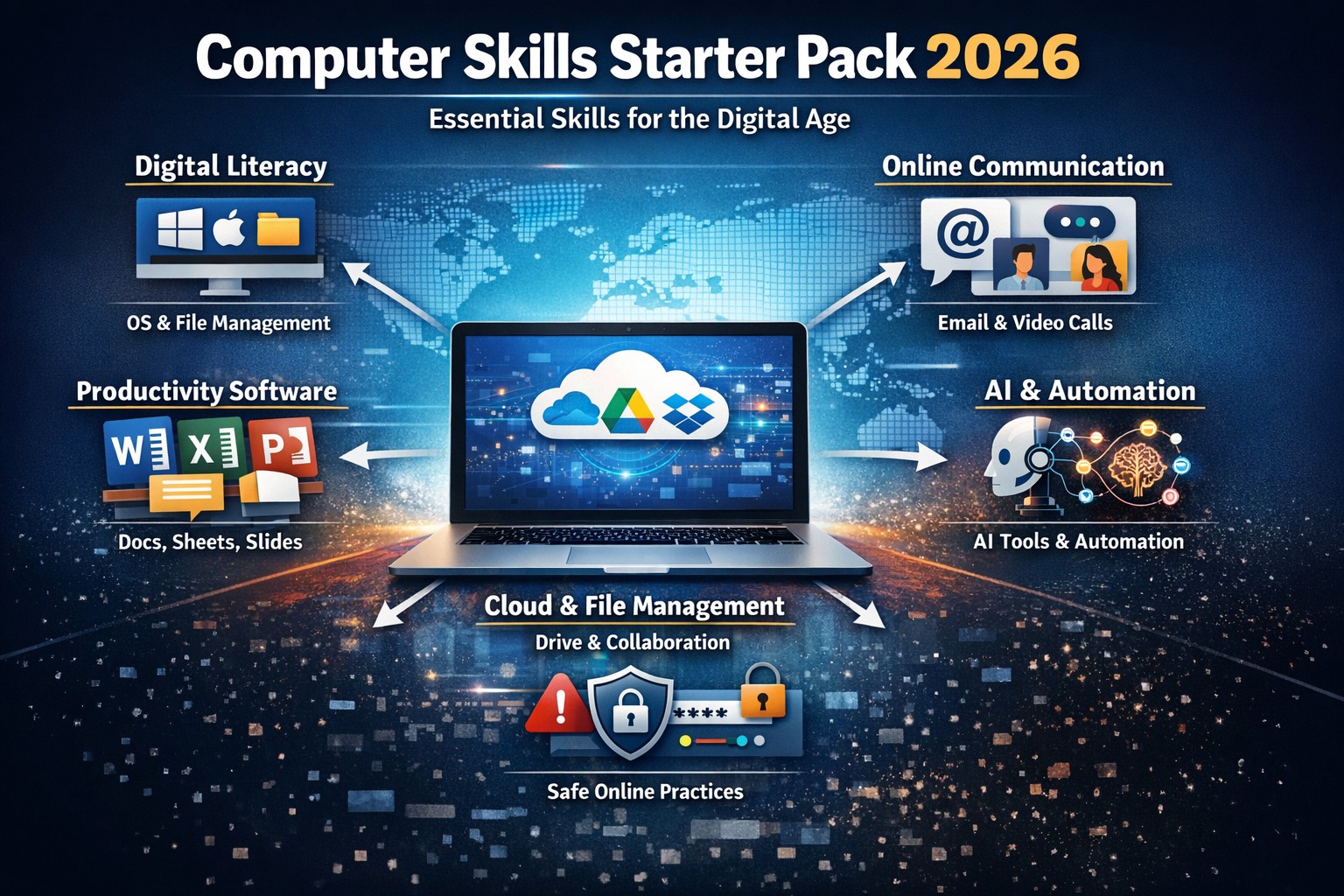 Modern work requires cloud tools, collaboration platforms, and AI awareness.
Step 1: Digital Literacy (The Foundation)
Digital literacy is your base layer.
Without it, everything else feels difficult.
You should be comfortable with:
- Basic operating systems (Windows or macOS)
- Creating, renaming, moving, and deleting files
- Searching for files quickly
- Switching between applications
- Using keyboard shortcuts
If you struggle here, start with:
Basic Computer Skills Needed to Land Your First Job
Digital literacy is not advanced — it is survival-level competence.
Step 2: Internet & Online Communication
The internet is now the workplace.
Essential skills include:
- Using browsers efficiently (tabs, bookmarks, downloads)
- Writing professional emails
- Attending video meetings
- Sharing links and files safely
- Managing online accounts responsibly
 Online communication skills are required in nearly every role.
If you want to improve email clarity:
How to Write Professional Emails
Being able to communicate clearly online is non-negotiable.
Step 3: File Management & Cloud Tools
Modern work happens in the cloud.
You must know how to:
- Create structured folder systems
- Use clear file naming conventions
- Share files with correct permissions
- Collaborate on cloud documents
Common tools:
- Google Drive
- Microsoft OneDrive
- Dropbox
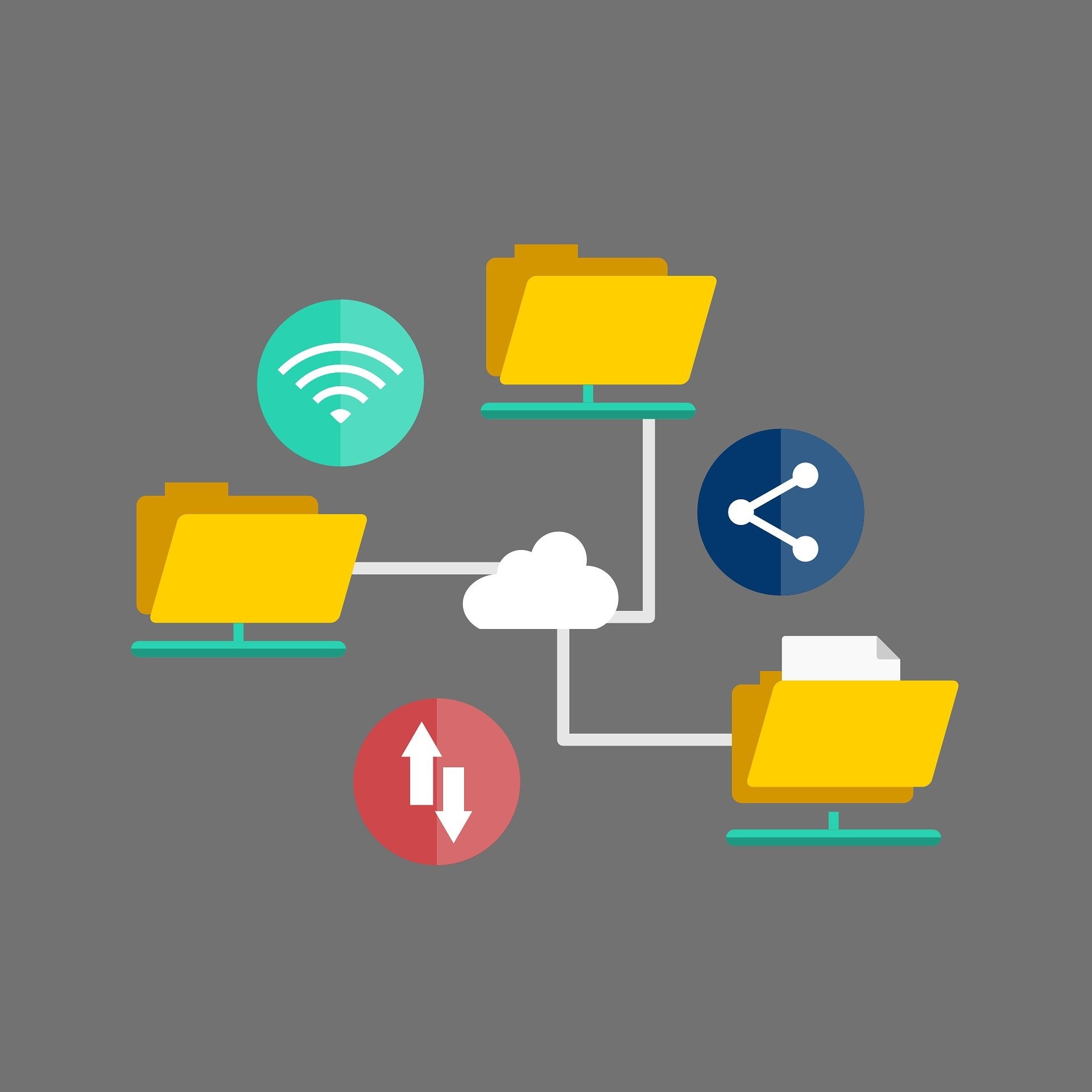 Cloud collaboration is now standard across industries.
Good file organization saves time and prevents mistakes.
Step 4: Productivity Software
Productivity tools are still the core of office work.
You should confidently use:
- Microsoft Word / Google Docs
- Excel / Google Sheets
- PowerPoint / Google Slides
Key abilities:
- Formatting text and tables
- Using basic spreadsheet formulas
- Creating simple charts
- Designing clean presentations
If you are unsure what to list on your resume:
Computer Skills for Resume (2026 Guide)
These tools are basic expectations — not “extra skills.”
Step 5: Online Safety & Security
Cybersecurity is now part of basic computer knowledge.
You should understand:
- Strong, unique passwords
- Two-factor authentication (2FA)
- Recognizing phishing emails
- Keeping devices updated
- Avoiding suspicious downloads

Security awareness protects both individuals and companies.
If you need help building better passwords:
👉 How to Create Strong Passwords You’ll Actually Remember
Security mistakes cost money and trust.
That’s why this skill is non-negotiable.
Step 6: AI & Modern Digital Skills (2026 Layer)
In 2026, basic literacy is not enough.
Modern professionals also understand:
- How to use AI tools responsibly
- How to verify AI-generated content
- How to automate repetitive tasks
- How to adapt to new software quickly
This is called digital fluency.
If you want deeper understanding:
👉 Computer Literacy vs Digital Fluency (2026)
AI is a tool — not a replacement for thinking.
Judgment matters more than prompts.
Why These Skills Are Non-Negotiable
- Career readiness – Employers expect digital competence
- Productivity – Organized systems save time
- Communication – Most collaboration is online
- Security – Mistakes can expose sensitive data
- Future growth – Advanced skills build on these basics
Without this foundation, career growth becomes difficult.
With it, you become adaptable.
A Practical Learning Path (Beginner to Confident)
Week 1:
- Master file organization
- Practice Word formatting
Week 2:
- Learn Excel formulas
- Improve email writing
Week 3:
- Use cloud storage daily
- Join mock video meetings
Week 4:
- Practice AI-assisted tasks
- Build one small project
Consistency beats intensity.
Final Thoughts
Computer skills in 2026 are not about being “good with computers.”
They are about:
- Working confidently in digital environments
- Communicating clearly
- Protecting data
- Adapting to new tools
- Using AI responsibly
Master these basics, and you build a strong digital foundation.
Ignore them, and you fall behind.
The starter pack is simple.
The discipline to practice it is what makes the difference.
Related Guides
- Basic Computer Skills Needed to Land Your First Job
- Computer Skills Required for Every Job (2026)
- Computer Skills for Resume – Freshers Guide
About the Author
Jadox is a web developer and digital tools creator who studies workplace technology trends and publishes practical guides to help students and professionals build relevant computer skills.
This article reflects current workplace expectations in 2026. Requirements may vary by role and industry.
Continue Learning
Explore more articles on similar topics