Computer Skills Required for Every Job: A Practical Guide for Freshers and Remote Workers (2026)
Discover the essential computer skills required for every job in 2026, including work-from-home roles. Learn what to include on your CV and why resumes get rejected.


Computer Skills Required for Every Job: A Practical Guide for Freshers and Remote Workers (2026)
In 2026, having a degree is not enough.
Employers now expect candidates to arrive with practical computer skills, even for entry-level and non-technical roles.
Whether you are:
- A fresher applying for your first job
- A job seeker targeting remote roles
- A professional switching careers
Your computer skills can decide whether your CV gets shortlisted — or ignored.
This guide explains:
- What computer skills are required for every job
- What skills you need to work from home
- Why many CVs get rejected
- How to present your skills correctly
If you’re still building your foundation, start here:
👉 What Are the 10 Important Points of Computer Knowledge
 Modern jobs require digital confidence across multiple tools.
Why Computer Skills Matter in Every Career
Almost every workplace now uses digital systems.
Daily tasks include:
- Sending emails
- Preparing reports
- Managing data in spreadsheets
- Attending virtual meetings
- Sharing files through cloud platforms
Employers look for candidates who can:
- Work independently with digital tools
- Communicate clearly online
- Manage files safely
- Adapt to new software
Even non-technical jobs require digital confidence.
What Computer Skills Do I Need to Work from Home?
Remote work is growing fast.
But working from home requires more than a laptop and internet.
Here are the essential skills.
1. Office & Productivity Software
You should confidently use:
- Microsoft Word or Google Docs
- Excel or Google Sheets
- PowerPoint or Google Slides
Core abilities include:
- Formatting documents
- Using basic formulas (SUM, AVERAGE)
- Creating simple presentations
- Exporting files to PDF
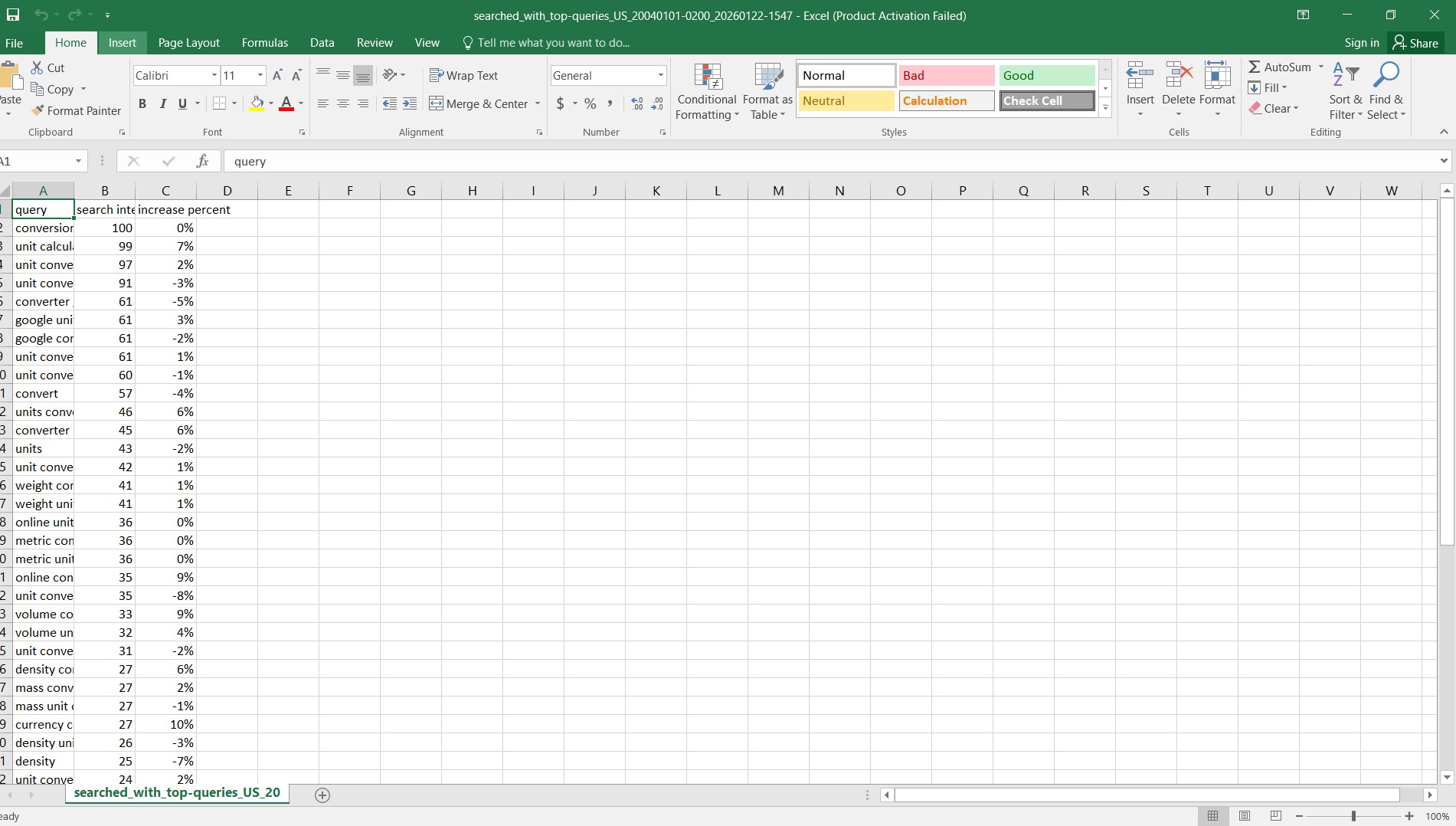 Productivity tools are the foundation of digital work.
If you need structured practice, read:
👉 Basic Computer Skills Needed to Land Your First Job
2. Email & Online Communication
Remote teams rely on:
- Gmail or Outlook
- Zoom, Google Meet, Microsoft Teams
- Slack or similar chat platforms
You must know how to:
- Write professional emails
- Join meetings correctly
- Share screens
- Send attachments
Poor communication skills are a common reason candidates fail remote roles.
3. Cloud Storage & File Sharing
Remote teams depend on:
- Google Drive
- OneDrive
- Dropbox
Important skills include:
- Uploading and organizing files
- Setting correct sharing permissions
- Collaborating on documents in real time
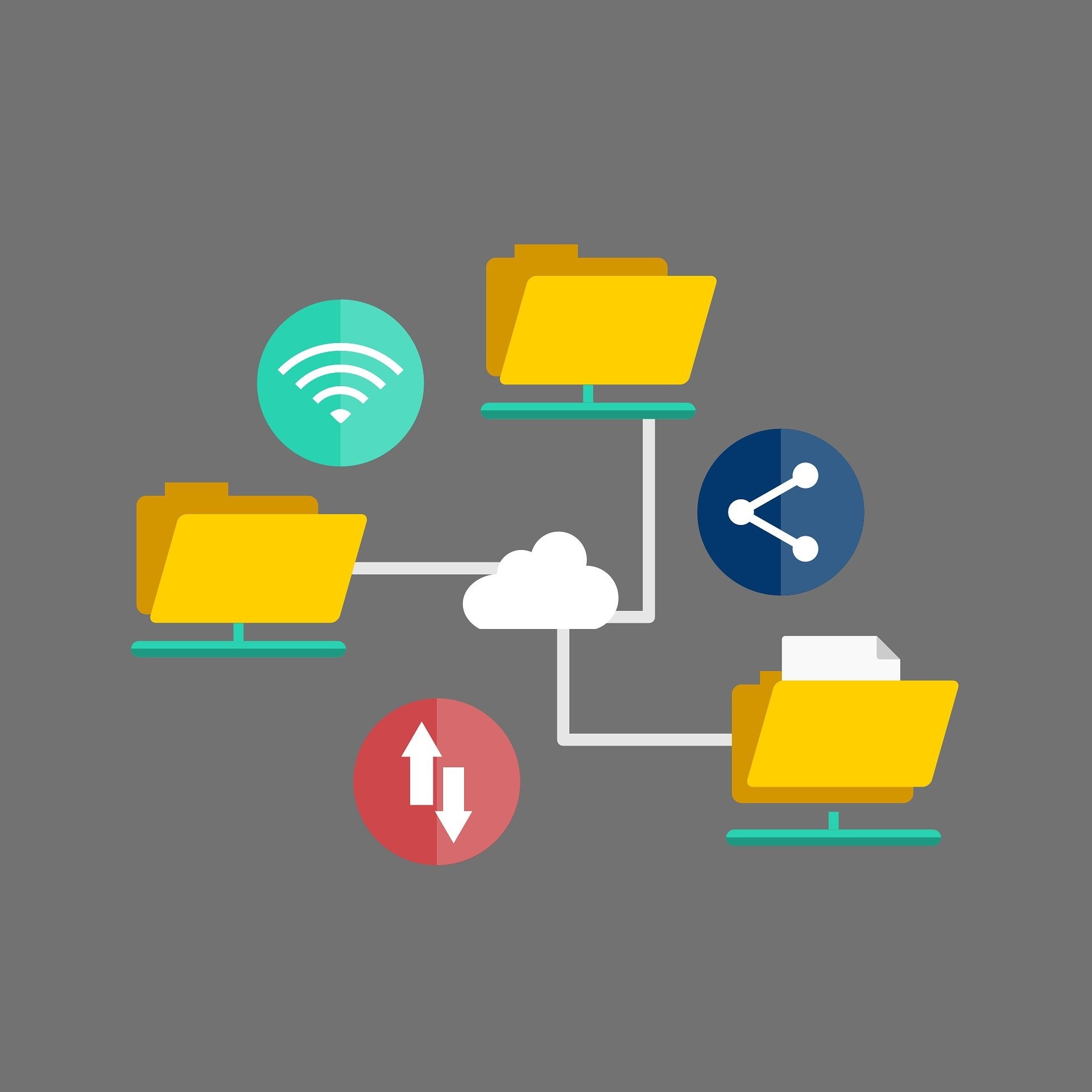 Cloud collaboration is now standard in most workplaces.
4. Internet Research Skills
Many jobs require independent research.
You should know how to:
- Search efficiently
- Identify reliable sources
- Avoid misinformation
- Download safely
Strong research skills increase productivity and reduce errors.
5. Basic Cybersecurity Awareness
Remote workers are responsible for protecting data.
Essential knowledge includes:
- Strong, unique passwords
- Two-factor authentication (2FA)
- Recognizing phishing emails
- Keeping systems updated
If you need help with security basics:
👉 How to Create Strong Passwords You’ll Actually Remember
 Security awareness protects both you and your employer.
6. Typing & Documentation Skills
Typing speed and accuracy still matter.
Especially for:
- Data entry roles
- Content writing
- Administrative jobs
Clear documentation is a professional advantage.
Must-Have Computer Skills for Your CV
Instead of writing vague phrases like:
- “Computer literate”
- “Good in computers”
Write specific skills.
Example:
Computer Skills:
- Microsoft Word (document formatting & templates)
- Excel (basic formulas & charts)
- Google Drive (file organization & sharing)
- Zoom & Microsoft Teams
- Professional email communication
- Basic troubleshooting
Specific skills build credibility.
Top Reasons CVs Get Rejected (Computer Skill Mistakes)
Many freshers lose opportunities due to simple mistakes.
1. No Clear Skills Section
Recruiters scan CVs quickly.
If they cannot see your digital skills immediately, they move on.
2. Vague Descriptions
Saying:
“Good computer knowledge”
Is not convincing.
Be specific.
3. Outdated Tools Only
Listing very old software without modern tools suggests you are not updated.
Add cloud tools and collaboration platforms.
4. No Proof of Practical Use
Employers trust skills more when you show:
- Internship experience
- Projects
- Coursework
- Certifications
5. Poor CV Formatting
A badly formatted CV suggests weak computer handling.
If your document looks messy, recruiters assume your digital skills are weak.
How to Improve Your Computer Skills Quickly
If you feel behind, follow this 30-day improvement plan:
Week 1:
- Practice Word formatting
- Learn basic Excel formulas
Week 2:
- Organize files in cloud storage
- Write 5 professional emails
Week 3:
- Join mock Zoom meetings
- Create a small presentation
Week 4:
- Practice real-world tasks
- Improve typing speed
One month of focused practice can significantly improve your confidence.
Final Thoughts
Computer skills are no longer optional.
They are required for:
- Office jobs
- Remote jobs
- Entry-level roles
- Internships
By learning practical tools, presenting them clearly on your CV, and practicing consistently, you increase your chances of getting hired.
Start with strong basics.
Build confidence.
Present skills clearly.
That is how you stand out in today’s competitive job market.
Related Guides
- Basic Computer Skills Needed to Land Your First Job
- Computer Literacy vs Digital Fluency (2026)
- What Are Computer Operation Skills in 2026?
About the Author
Jadox is a web developer and digital tools creator who writes practical guides to help students and remote workers improve digital skills and increase employability.
This article is for educational purposes. Skill requirements vary by industry and job role.
🏷️ Topics
📖 Continue Learning
More guides from the same category